11
4.3 Display contrast:
You can set the contrast (readability) of the display as follows:
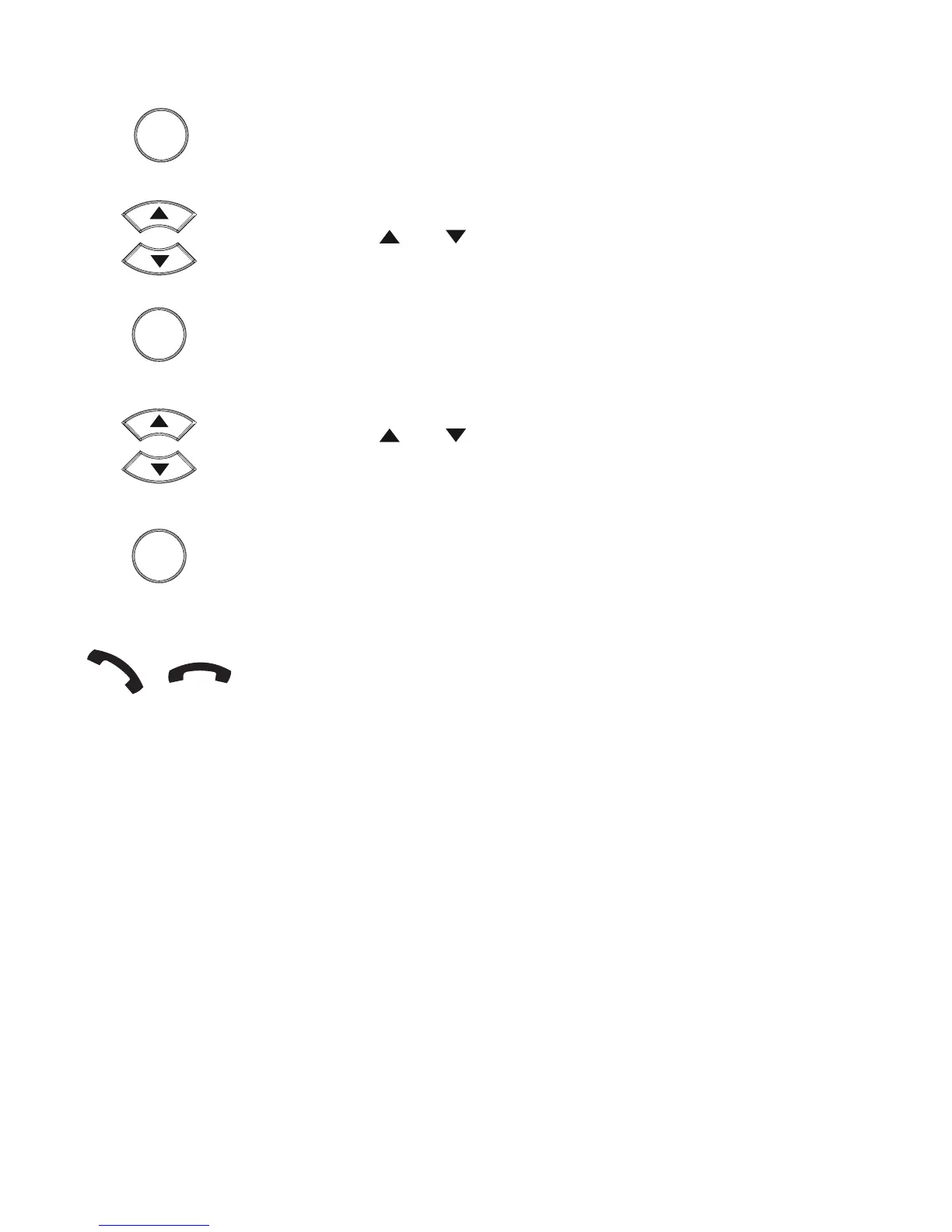
press the OK button
use the and buttons to select the option [ CONTRAST
ADJUST ]
press the OK button
use the and buttons to select the desired contrast
(level 1 = lowest contrast, level 5 = highest contrast)
press the OK button
nally, briey pick up the receiver and put it back down to
leave the settings
OK
OK
OK


 To Next Page