15
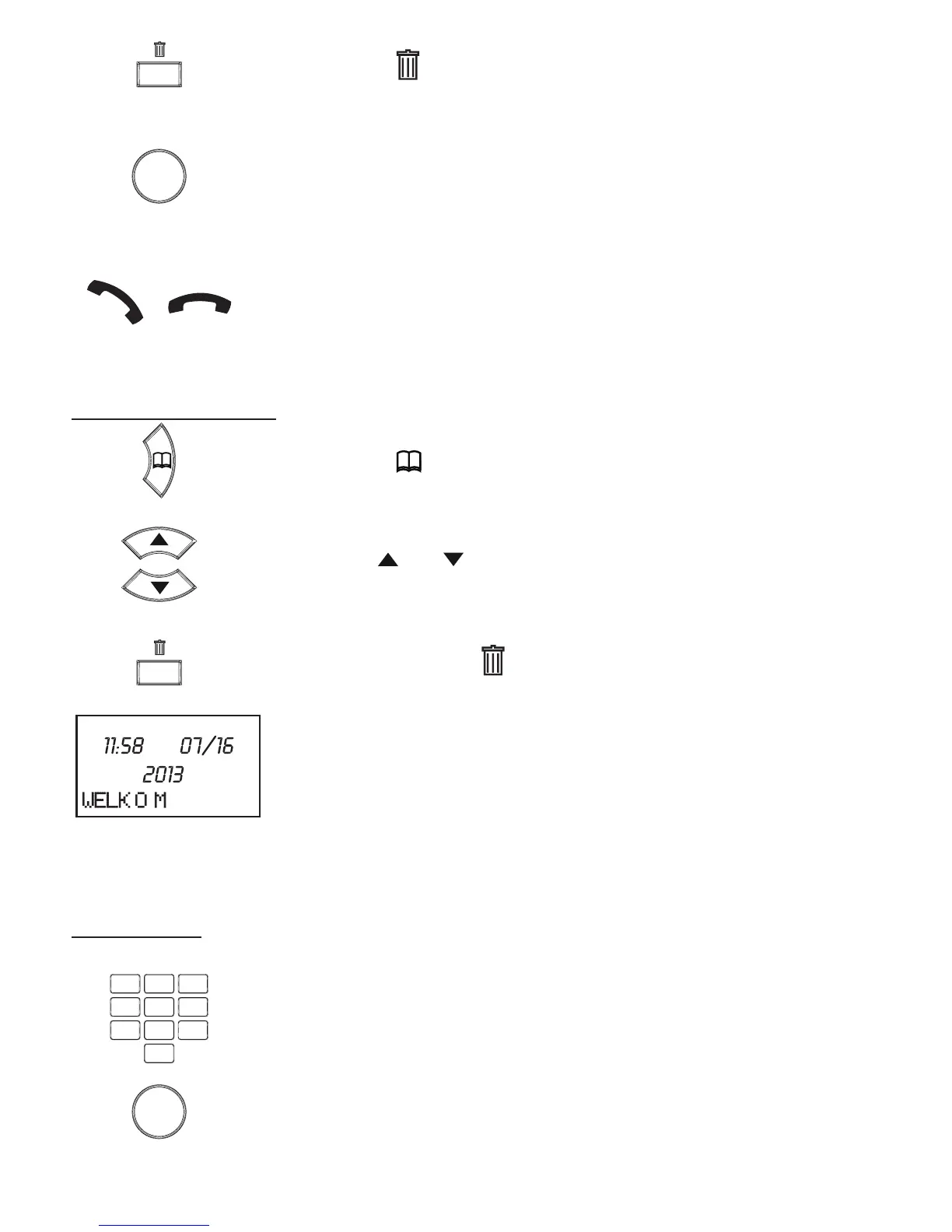
press the button, the display will indicate [ DELETE? ]
now press the OK button to delete the selected memory
(briey pick up the receiver to cancel the delete action)
Enter the next contact or briey pick up the receiver and put it
back down to leave the settings
Deleting all memories:
press the button
use the and buttons to select a random memory
press and hold the button for 4 seconds
the display will return to the standby mode and all phone
memories are now deleted
5.2 Direct memories M1 ~ M4:
Programming:
use the keypad to enter the phone number
use the C button to delecte any incorrect input
use the P button to insert a dialling pause)
press the OK button
OK
4 sec.


 To Next Page