17
6. EMERGENCY CALL
When this function is enabled, you can press any button (except the OK button) to im-
mediately switch on the speaker function and dial a pre-programmed number. This can
be your mobile number, the number where you can be reached or even the general
alarm number 112.
6.1 Setting / enabling:
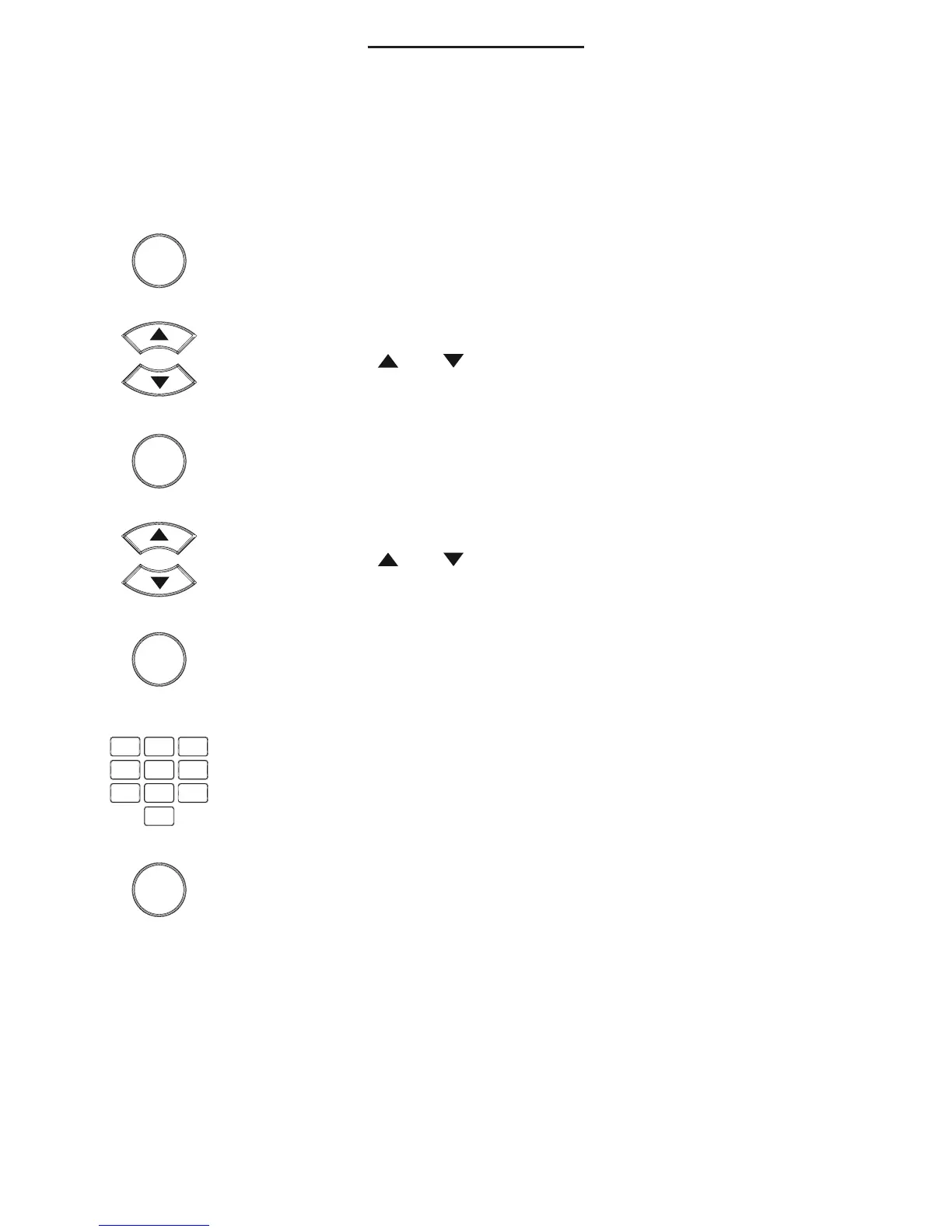
press the OK button
use the and buttons to select the option [ BABYCALL ]
press the OK button
use the and buttons to select the option [ BABYCALL ON ]
press the OK button
the display will now show the current pre-programmed number
or you can use the keypad to enter the desired emergency
number (you can use the C button to delete any old or incor-
rect number)
press the OK button to enable the SOS CALL function
6.2 Operation:
When pressing any button (except the OK button), the pre-programmed number will be
dialled. The number will also be dialled when picking up the receiver.
6.3 Disabling:
To disable this function, follow the above instructions but instead of the option [
BABY-
CALL ON
], you now select the option [
BABYCALL OFF
] and press the OK button. You
can then briey pick up the receiver and put it back down to return the phone to standby
mode.
OK
OK
OK



 To Next Page