14
Correcting:
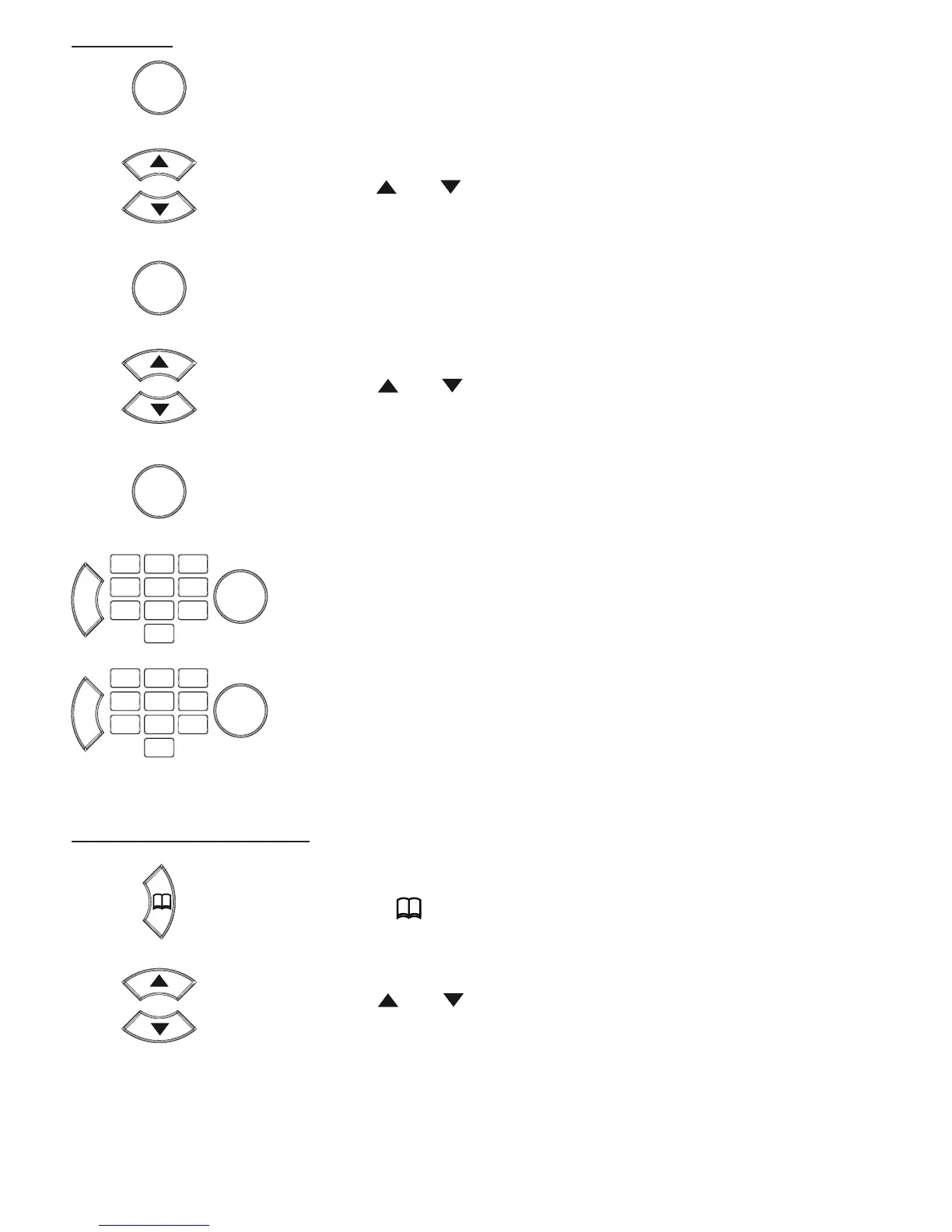
press the OK button
use the and buttons to select the option [ PHONEBOOK
EDIT ]
press the OK button
use the and buttons to select the memory you’d like to
change
press the OK button
use the C button to delete the incorrect number, enter the cor-
rect number and press the OK button
repeat this for the name
Deleting single memories:
press the button
use the and buttons to select the memory you’d like to
delete
OK
OK
C
OK
OK


 To Next Page