EasyManua.ls Logo

ProForm CrossTrainer 505s - User Manual

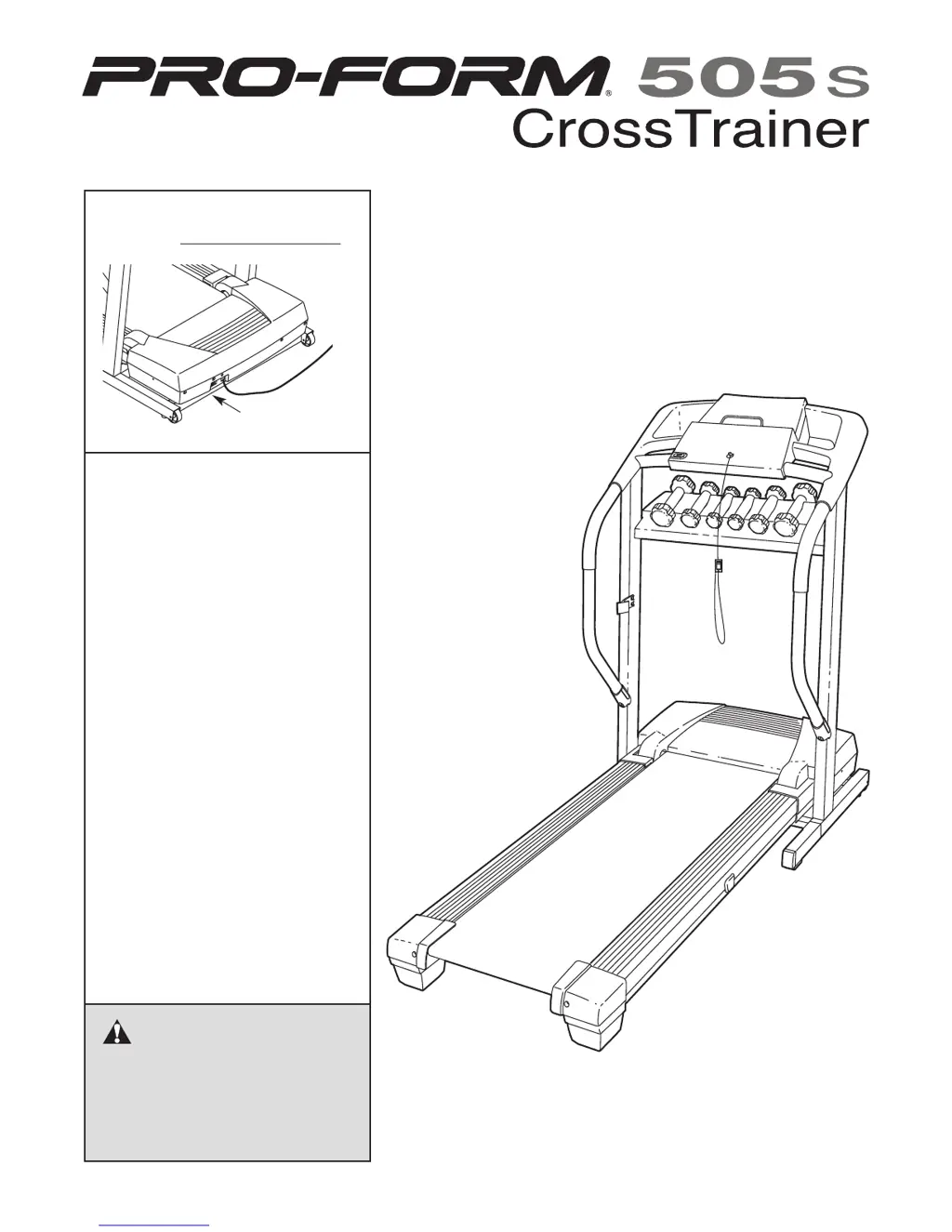
ProForm CrossTrainer 505s
22 pages
Print Icon
To Next Page IconTo Next Page
Loading...
M
odel No. 831.294240
Serial No.
CAUTION
Read all precautions and instruc-
tions in this manual before using
this equipment. Save this manual
for future reference.
Sears, Roebuck and Co., Hoffman Estates, IL 60179
TREADMILL EXERCISER
Users Manual
Assembly
Operation
Maintenance
Part List and Drawing
Serial Number
Decal

Questions and Answers

  • L
    lorihoffmanJul 31, 2025
    How to fix ProForm CrossTrainer 505s when the power does not turn on?
    • S
      Stacey WardJul 31, 2025
      To address power issues with your ProForm Treadmill, first, ensure the power cord is connected to a surge suppressor, which is then plugged into a grounded outlet. Use a surge suppressor meeting the specifications on page 10. Note that the treadmill isn't compatible with GFCI outlets. Also, confirm the key is fully inserted into the console. Finally, check the reset/off circuit breaker on the treadmill frame near the power cord. If it protrudes, wait five minutes, then press it back in to reset it.
  • R
    Robin RuizAug 7, 2025
    What to do if ProForm CrossTrainer 505s turns off during use?
    • E
      Elizabeth PerezAug 7, 2025
      If your ProForm Treadmill shuts off during use, start by checking the circuit breaker located on the frame near the power cord; if tripped, wait five minutes before resetting it. Ensure the power cord is securely plugged in; if it is, unplug it, wait five minutes, and plug it back in. Also, remove and reinsert the key fully into the console.
  • S
    Sheri DeanAug 14, 2025
    Why does the ProForm CrossTrainer 505s Treadmill walking belt slow down when walked on?
    • R
      Robert MasonAug 14, 2025
      If the walking belt of your ProForm Treadmill slows down when you walk on it, it might be overtightened. Remove the key and unplug the power cord. Use an allen wrench to turn both rear roller adjustment bolts counterclockwise by 1/4 of a turn. When properly tightened, you should be able to lift each side of the belt 2 to 3 inches off the platform. Keep the belt centered. Plug the power cord back in, insert the key, and run the treadmill briefly to test.
  • P
    Parker GreenAug 22, 2025
    What to do if ProForm Treadmill walking belt is off-center or slips when walked on?
    • L
      lmcdanielAug 22, 2025
      If the walking belt on your ProForm Treadmill is off-center or slips, first remove the key and unplug the power cord. For an off-center belt, if it's shifted left, turn the left rear roller bolt clockwise 1/2 turn; if it's shifted right, turn the left bolt counterclockwise 1/2 turn. Avoid overtightening. If the belt slips, turn both rear roller bolts clockwise 1/4 turn. Proper tightness allows lifting each side of the belt 2 to 3 inches off the platform. Keep the belt centered. Plug in the power cord, insert the key, and test the treadmill.

Summary

IMPORTANT PRECAUTIONS

General Safety Instructions

Critical safety guidelines for operating the treadmill to prevent injury and damage.

BEFORE YOU BEGIN

ASSEMBLY

Step-by-Step Assembly Guide

Instructions and diagrams for assembling the PRO-FORM 505s Cross Trainer.

OPERATION AND ADJUSTMENT

Power Connection and Safety Precautions

Proper grounding, surge suppression, and electrical safety for treadmill operation.

HOW TO FOLD AND MOVE THE TREADMILL

TROUBLESHOOTING

Identifying and Resolving Treadmill Issues

Solutions for common problems like power loss, display errors, and belt malfunction.

CONDITIONING GUIDELINES

ProForm CrossTrainer 505s Specifications

General IconGeneral
BrandProForm
ModelCrossTrainer 505s
CategoryTreadmill
LanguageEnglish

Related product manuals