14
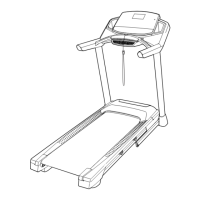
10. Set the console assembly (F) on the Handrails
(84). Make sure that no wires are pinched.
Insert the excess Upright Wire (81) into the Right
Upright (90).
Attach the console assembly (F) with the four
1/4" x 1/2" Screws (2) that you removed in step 8
and four 1/4" Star Washers (26); fi rmly tighten
the Screws.
10
90
2
2
84
F
26
26
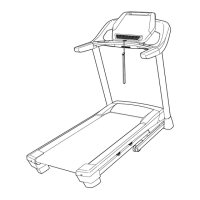
11. Identify the Right Handrail Cover (31). Set the
Right Handrail Cover on the right Handrail (84).
Tighten three #8 x 1/2" Screws (1) into the bot-
tom of the Right Handrail Cover; do not fully
tighten the Screws.
Next, slide the Right Handrail Cover (31) forward
until it slides under the console assembly (F).
Then, tighten the three #8 x 1/2" Screws (1); do
not overtighten the Screws.
Attach the Left Handrail Cover (87) in the
same way.
11
87
F
31
84
84
1
1
84
81




 To Next Page