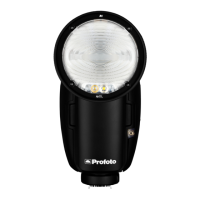
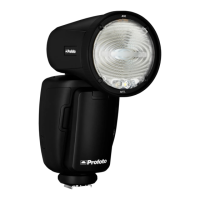
Profoto B10
11
www.profoto.com
Once the Profoto B10 is turned on, the battery charge status is
indicated by the battery icon
in the bottom right of the display [9]:
4 sections: 75-100 %
3 sections: 50-75 %
2 section: 25-50 %
1 section: 10-25 %
Empty frame: <10 %
If the Profoto B10 is turned on and the battery is charged during use,
it will be indicated by a battery charge icon
in the bottom right of
the display [9].
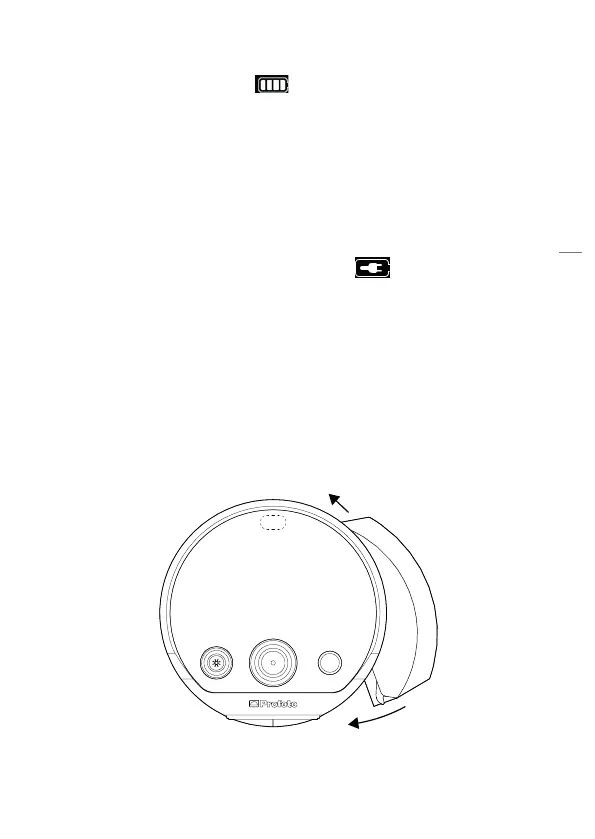
Mount the battery
1. To mount the battery, fit the battery into the Profoto B10 unit as
illustrated below and press firmly until you hear a “click” sound,
indicating that the battery is locked in place.
2. To dismount the battery, first, switch off the Profoto B10 unit. Press
the battery release button [23] and pull out the battery.


 To Next Page