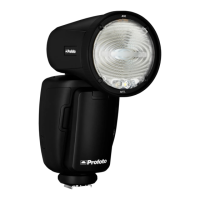
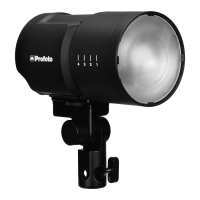
Profoto B10
19
www.profoto.com
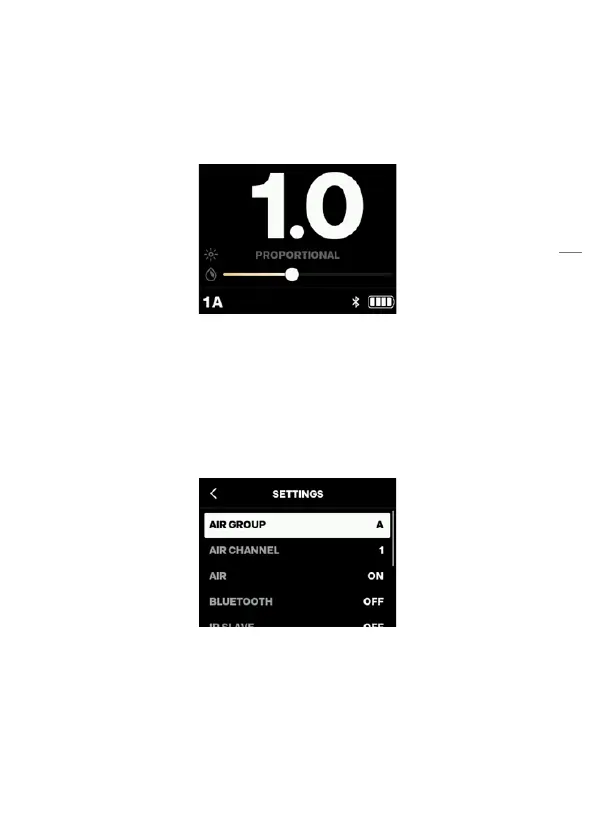
Adjusting continuous light when it is set to PROPORTIONAL
1. Press the Continuous light dial [10] to turn the continuous light
on or off.
2. When the continuous light is on, the brightness and color
temperature is indicated in the display [9] as shown below.
3. Turn the Main dial [11] to change the intensity (this will change both
flash and continuous light proportionally).
4. Turn the continuous light dial [10] to change the color temperature.
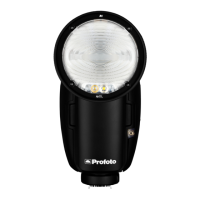
Navigate the settings menu
All Profoto B10 settings are accessed and selected through the
settings menu.
1. Press the Main dial [11] to enter the settings menu.
2. Scroll through the settings menu by turning the Main dial [11].
3. To change a setting, press the main dial [11]. For some settings, a
sub menu will appear.
4. To return to the previous menu, press the Continuous light dial[10]
or select the left arrow symbol at the top of the menu.
5. To return to the main screen, press the Test button [12].


 To Next Page