Profoto B10
18
www.profoto.com
Adjust the continuous light
The continuous light can be set to FREE (factory setting) or
PROPORTIONAL in the settings menu.
1. When set to FREE the continuous light brightness can be adjusted
separately from the flash power.
2. When set to PROPORTIONAL the continuous light brightness is
always proportional to the flash power.
Adjusting continuous light when it is set to FREE
1. Press the Continuous light dial [10] to turn the continuous light
on or off.
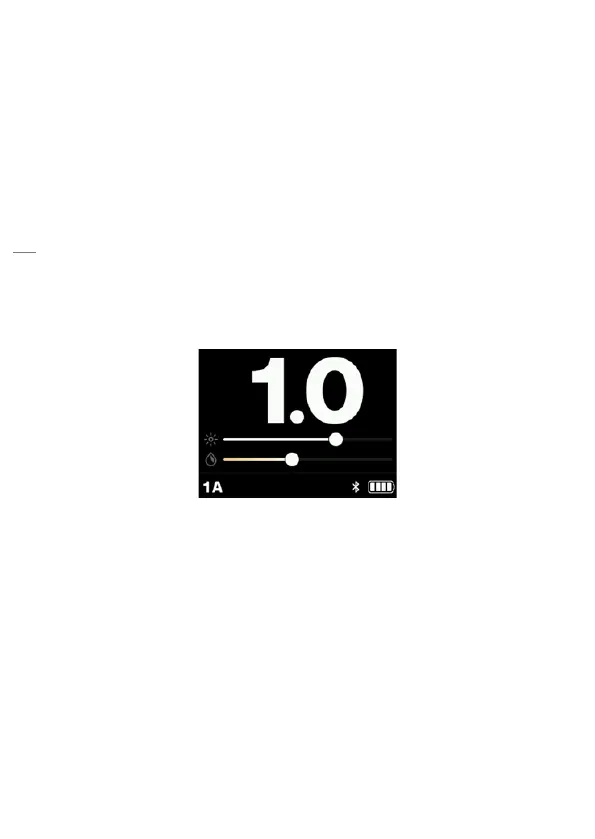
2. When the continuous light is on, the brightness and color
temperature is indicated in the display [9] by two separate bars
as shown below.
3. Turn the Continuous light dial [10] to change the brightness.
4. Press and turn the Continuous light dial [10] to change the color
temperature.


 To Next Page