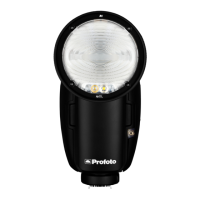
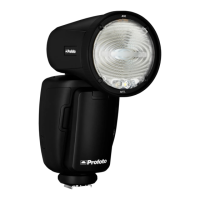
Profoto B10
17
www.profoto.com
Basic operation
Switch on/off
1. To switch on the unit, press and hold the Test button [12].
2. To switch off the unit, press and hold the Test button [12].
When the Profoto B10 is switched off, the current settings are stored
and will apply when the unit is switched on again.
NOTE
To save battery, the Profoto B10 automatically enters standby mode and/or switches
off completely after a period of inactivity. The periods of inactivity for the standby and
auto power off functions are selectable via the settings menu.
Adjust the flash power
The flash power setting (light output) is shown in big bold numbers on
the display [9]. The power scale is a relative f-stop scale from 1.0-10. The
maximum light output is shown as 10.
Use the Main dial [11] to change the flash light output:
• Turn the Main dial [11] to change the light output in 1/10 f-stop
increments.
• Press and turn the Main dial [11] to change the light output in 1 f-stop
increments.
• Press the Test button [12] to release a test flash.


 To Next Page