Profoto B10
13
www.profoto.com
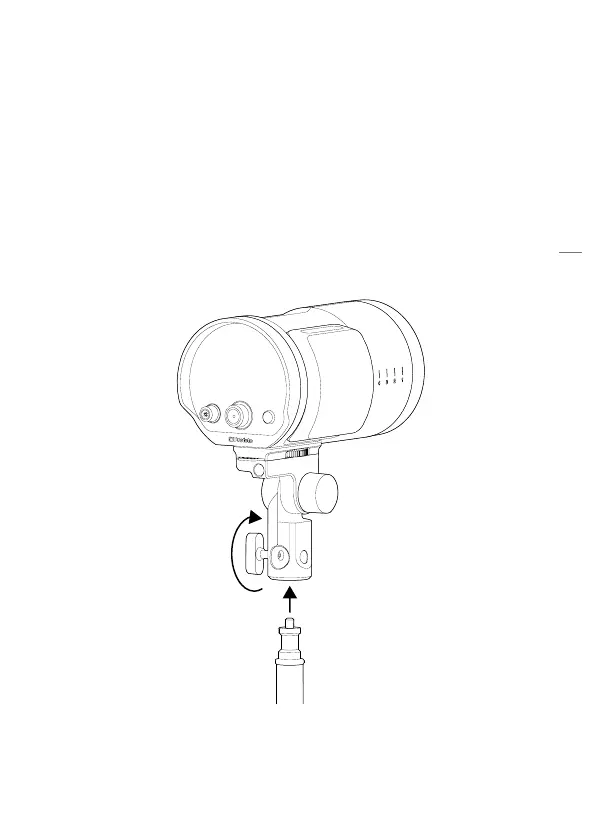
Setup on light stands
Before mounting the Profoto B10 onto a light stand, you need to attach
the stand adapter. Once the stand adapter is attached, follow the
instruction below.
1. Mount the Stand stud mount [13] onto the stand stud and secure
with the Clamp screw [14].
2. Loosen the Tilt lock knob [16] to adjust the tilt position.
3. Tighten the Tilt lock knob [16] to lock the tilt position.


 To Next Page