Profoto ProHead
7
www.profoto.com
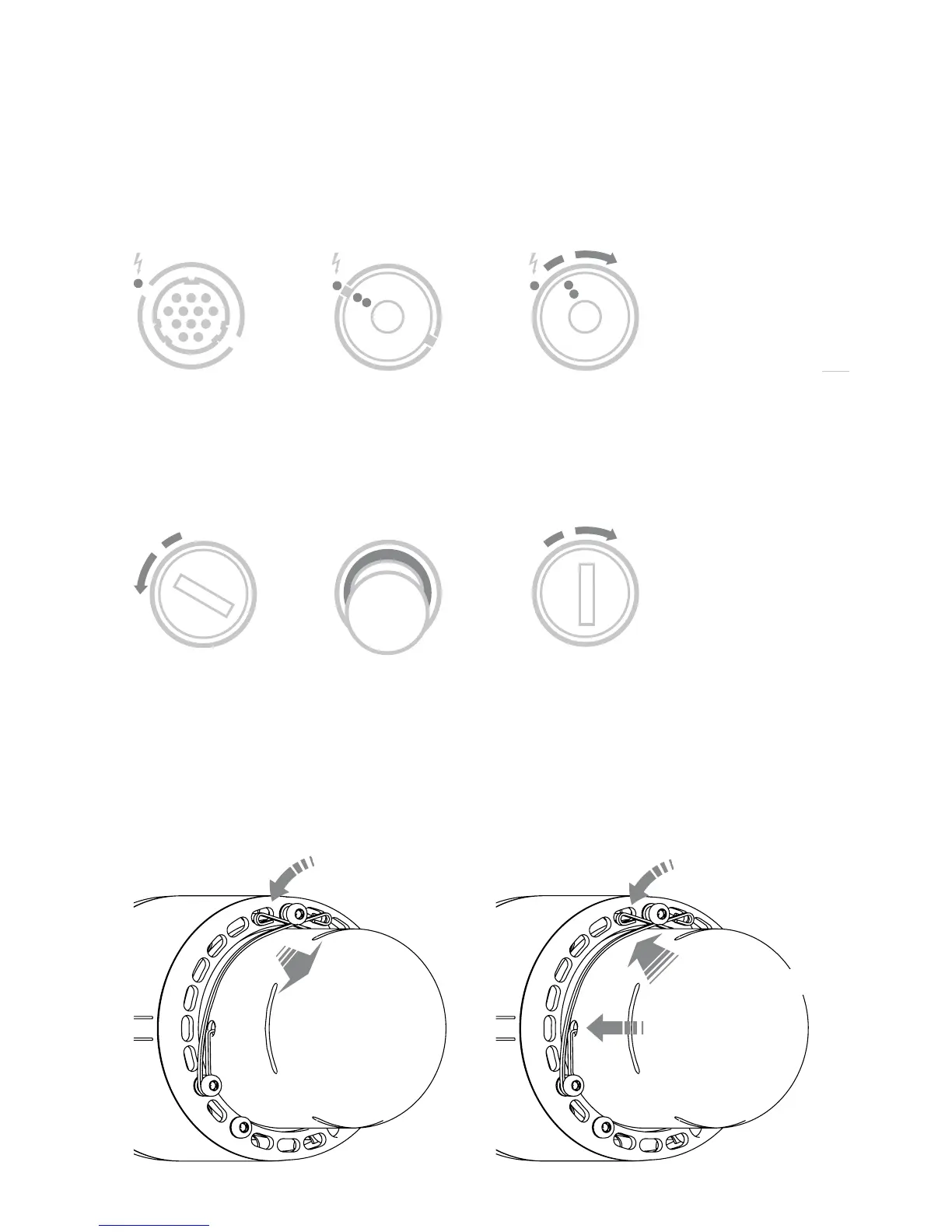
Connecting Lamp Head
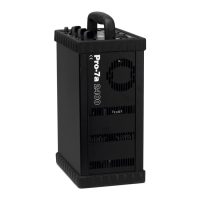
When connecting the lamp head plug to the lamp head socket, align the dots on the plug
with the white dot on the generator panel. Push the plug all the way in. Secure by turning
the locking ring on the plug clockwise.
Changing Fuse
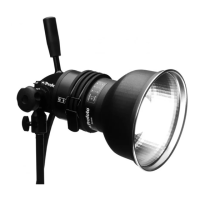
Thefuseisplacedatthebackofthehead.Unscrewthefuseholdercounterclockwise.
Pull the fuse out. Use fuses that are recommended, for more details please read
“Technical Data”. Push the new fuse all the way in. To lock the fuse holder after the
fuse is changed, screw the fuse holder clockwise.
Changing Glass Cover
When removing the glass cover, unlock the two safety pins by pressing down and pulling, one by
one. Remove the glass cover. To lock the glass cover when the glass cover or lamps are changed,
fit the glass cover carefully and make sure the safety pins fit properly in the existing holes on each





 To Next Page