INSTRUCTION DISPLAY
In the App Settings screen, you will see a
“MORE” section. To enter the User Settings
screen, select “Settings” then in the general
settings screen, select “Preferences”.
In the User Settings screen, you will have the
option to :
• Change Name
• Change Login E-mail address
• Change Password
More
Sengs
About
Logout
Connect Device
Guide
Sengs
My Account
Preferences
Change Password
Peter@peter.com
Peter
My Account
DELETE
INSTRUCTION DISPLAY
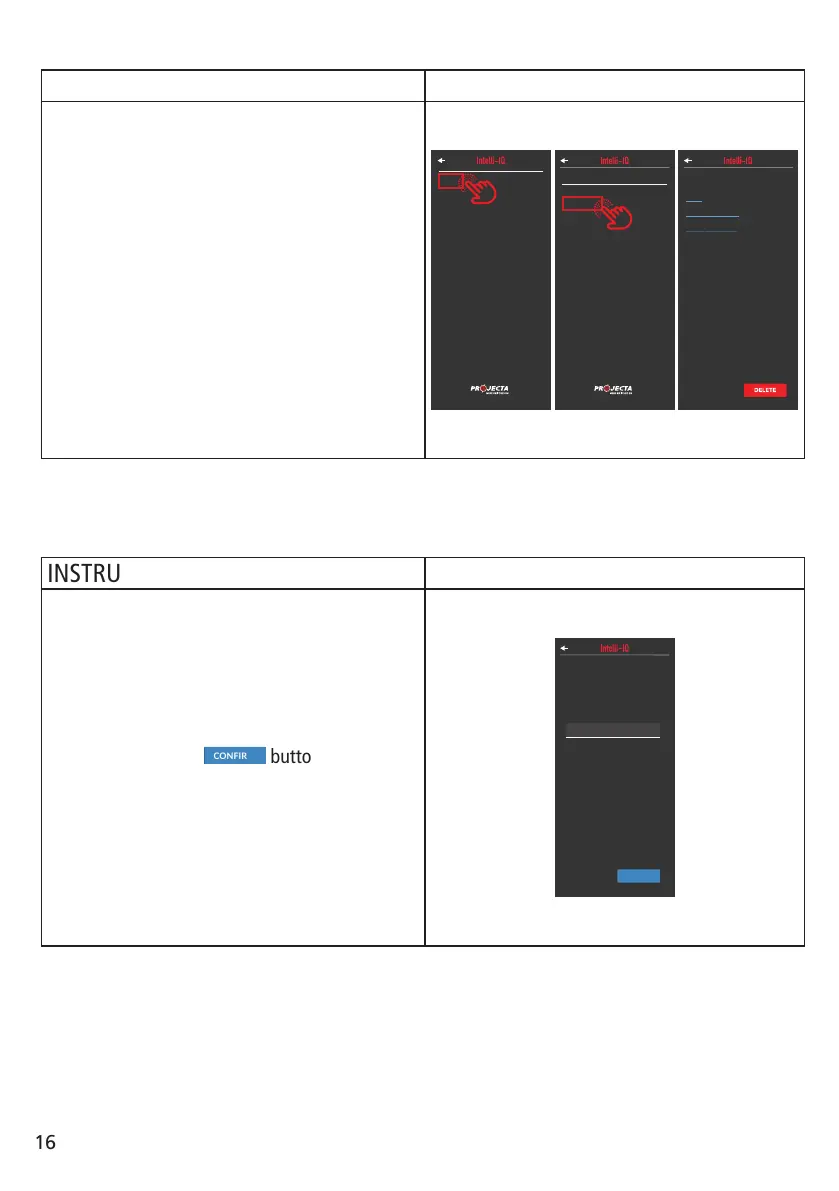
Inside the User settings screen to change the
name, tap your name to open the Change Name
screen.
Your current name will be shown. Enter your
new name in the “NEW NAME” text eld.
When ready, tap the
Peter
Change Name
Current Name
CONFIRM
button. When
the username update is complete, you will be
automatically returned to the User Settings
screen.
NOTE: Your name must not be empty.
NOTE: Please press the “return” or “enter”
button on your input keyboards to conrm the
inputs.
Peter
Change Name
Current Name
CONFIRM
NEW NAME
Update User Settings:
Change Name:
16



 To Next Page