Operations4
EN6
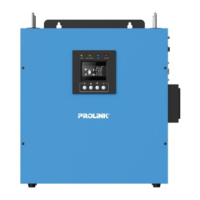
LCD Display
LCD displays the power flow and input/output readings in a visualized graphic design
which allows the user to understand the operation status easily. The backlight of LCD
remains on whenever the inverter is working (including Standby Charging Mode and
Fault Mode).
Function Keys
Function Keys Description
To power On/O
To enter the setting mode or exit setting mode
To go to the next selection page
To confirm the selection in setting mode
Icon Function
Input source information
Indicates the AC input
Indicates input voltage
Indicates the unit works in wide AC mode
Indicates the unit works in narrow AC mode
Configuration Program and Fault Information
Indicates the setting programs
Indicates the warning and fault codes
English


 To Next Page
