19 / 25
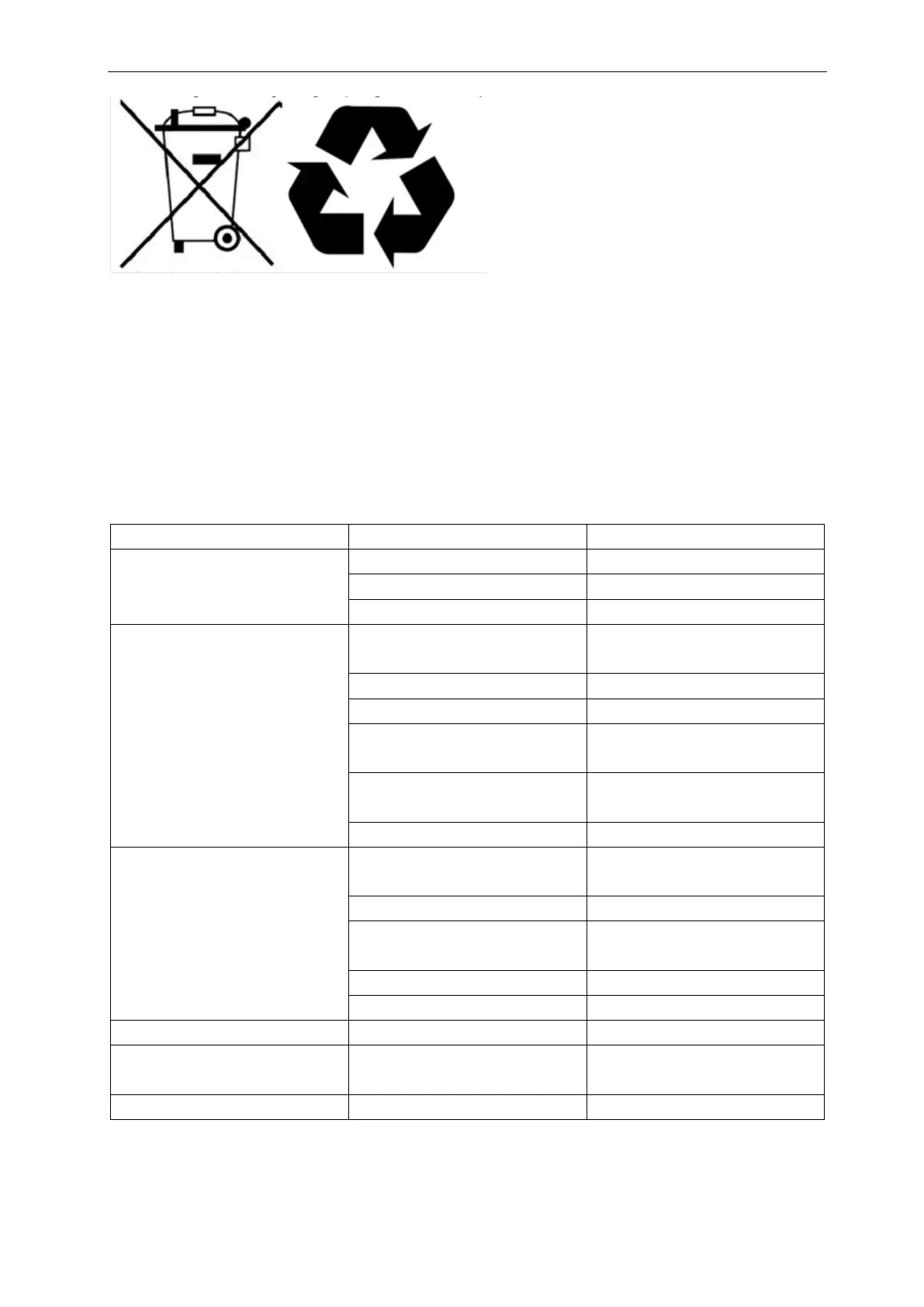
Before disposal please:
1. Flush the machine properly.
2. Remove the battery pack for separate disposal.
3. Remove all loose components like brushes, tanks and squeegee
4. Dispose all items according to your local laws and regulations
Troubleshooting
No Battery pack Put battery pack
Empty battery pack Charge battery pack
Battery pack incorrectly connected Reconnect battery pack
Insufficient/no water flow
Wrong switch on Check the switch button on the control
panel
Main on/off switch is “off” Check the main on/off switch button
Empty tank Fill the tank
Tank incorrectly placed The tank valve must be clicked on the
nipple to open the seal, replace the tank
Filter blocked Ensure the solution tank have no dirt
particles and the filter is clean
Blocked water Pipe Request for service
Squeegee opening blocked Remove the pipe and clean the squeegee
opening
Tears in squeegee blades Replace squeegee blades
Filter blocked
Check the foam filter and clean if
necessary
Vacuum hose blocked Check and remove blockage
Vacuum motor not running Request for service
Tanks incorrectly placed Check and reattach fluid tanks
Tear in vacuum hose
Replace vacuum hose or request for
service
Battery is at end of life Replace battery



 To Next Page