TR515 User’s Manual
32
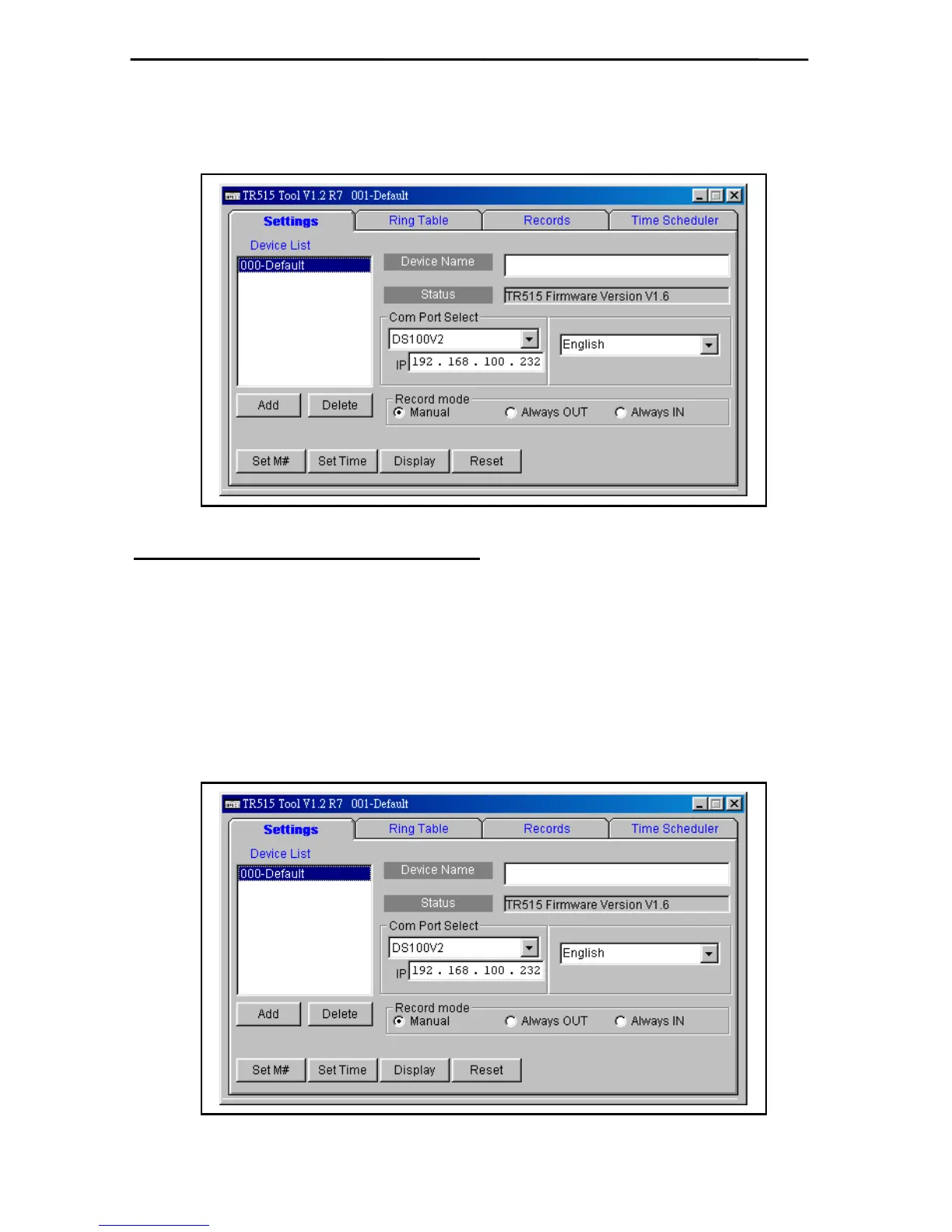
8. Open the Application Program of TR515. Input the IP address of the on-line TR515 and select
Com Port as
「
DS100V2
」
. Then double click
「
000-defaul
」
to complete the connection
with TR515 terminal.
PC to TR515 (using cable WAS-1498)
1. Please refer to above procedure (1~7) for settings.
2. Open the Application Program of TR515. Input the
「
IP address
」
of the on-line TR515 and
select
「
Com Port
」
as
「
DS100V2
」
. Then double click
「
000-defaul
」
to complete the
connection with TR515 terminal.
P.S. The IP address of PC and TR515E must be within one domain to ensure the
connection.



 To Next Page