TR515 User’s Manual
33
2. Wireless Interface TR515 :
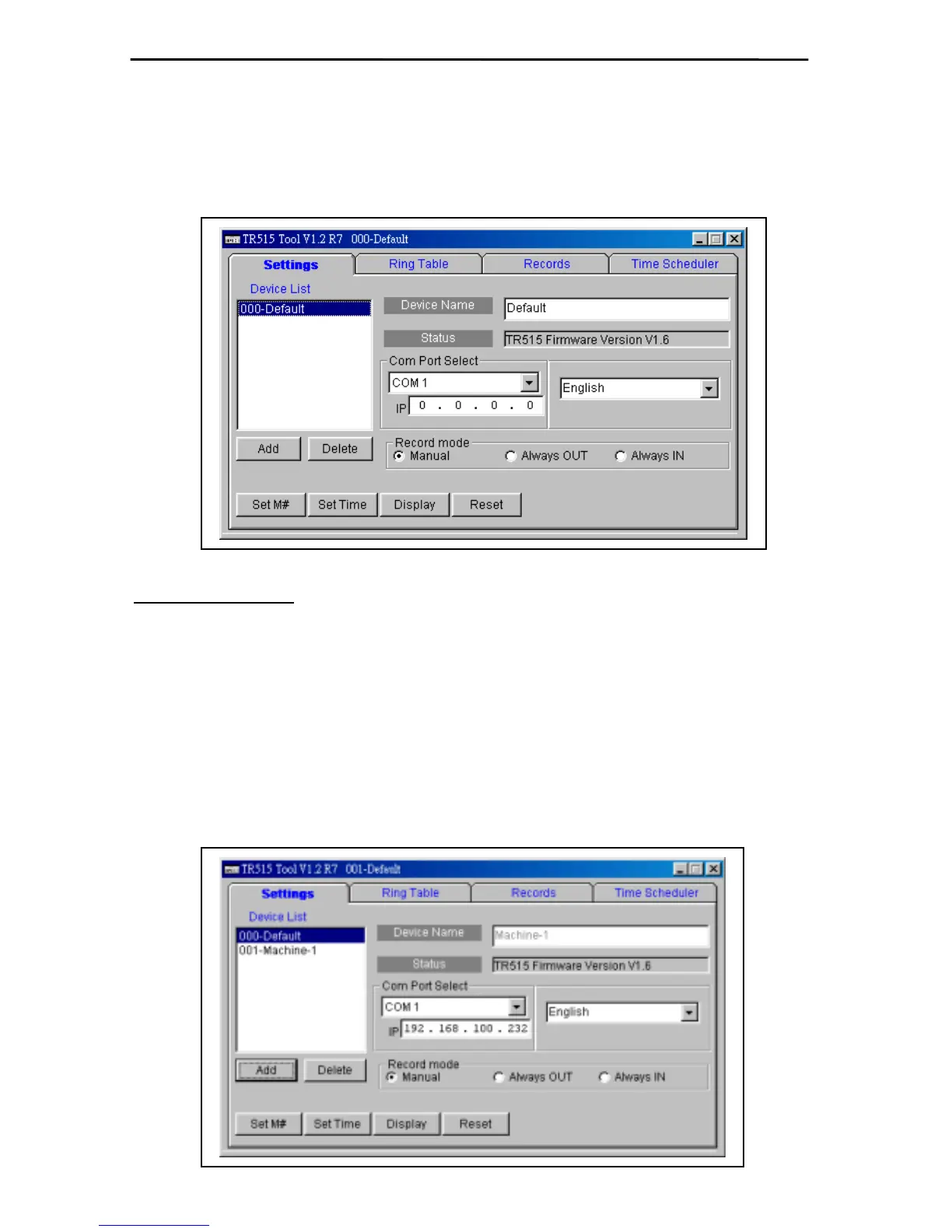
1. Open the Application Program of TR515. Select the
「
Com Port
」
of the on-line TR515.
Then double click
「
000-defaul
」
to complete the connection with TR515 terminal.
P.S. Please make sure that the settings of RDL401A-00 are 433.92 MHz, 19200 bps.
*Notice for Operation
A. ID
「
000-defaul
」
can be set to any TR515 on line. However, when there are multiple TR515
on line, the machine ID cannot be
「
000
」
. Each TR515 must have its own ID number
other than
「
000
」
.
B. [Time Scheduler] will not work when the machine ID is
「
000
」
. It will be enabled when other
ID code is selected.
C. Use
「
000-defaul
」
to assign the new ID. After setting, use the new ID to complete the
connection.
a. Click [Add] to increase a new IP Address.



 To Next Page