EasyManua.ls Logo

Promaster 2500PK Super - Depth of Field Preview Function

Promaster 2500PK Super
24 pages
Print Icon
To Next Page IconTo Next Page
To Previous Page IconTo Previous Page
Loading...
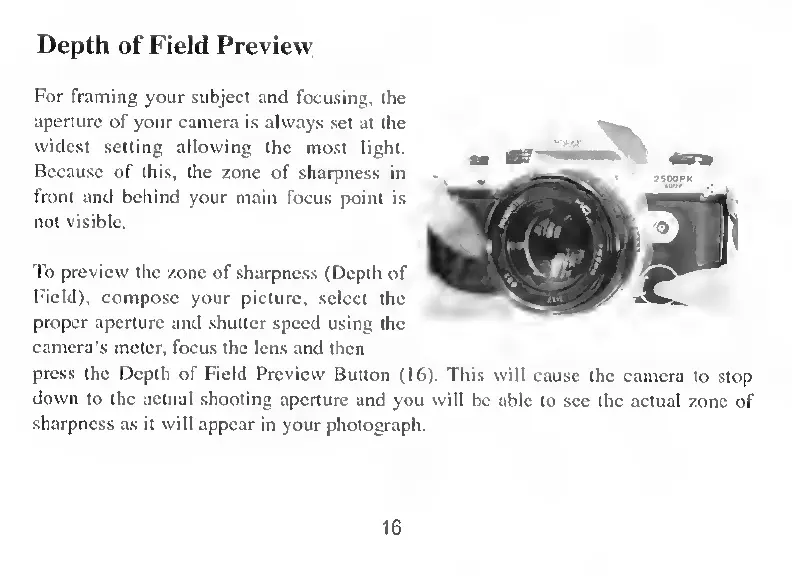
Depth
of
Field
Preview
For
framing
your
subject
and
focusing.
the
aperture
of
your
camera
is
alvvays
set
at
the
widest
setting
allowing
the
most
light.
Because
of
this,
the
zone
of
sharpness
in
front
and
behind
your
main
focus
point
is
not
visible.
To
preview
the
zone
of
sharpness
(Depth
of
Field),
compose
your
picture,
select
the
proper
aperture
and
shutter
speed
using
the
camera’s
meter,
focus
the
lens
and
then
press
the
Depth
of
Field
Preview
Button
(16).
This
will
cause
the
camera
to
stop
down
to
the
actual
shooting
aperture
and
you
will
bc
able
to
see
the
actual
zone
of
sharpness
as
it
will
appear
in
your
photograph.
16