EasyManua.ls Logo

Promaster 2500PK Super - Flash Photography Guide

Promaster 2500PK Super
24 pages
Print Icon
To Next Page IconTo Next Page
To Previous Page IconTo Previous Page
Loading...
Flash
Photography
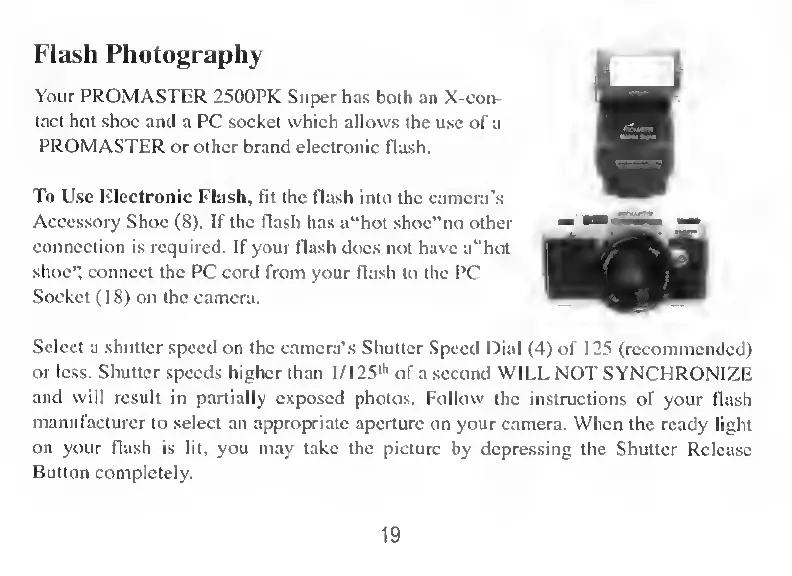
Your
PROMASTER
2500PK
Super
has
both
an
X-con-
tact
hot
shoe
and
a
PC
Socket
which
allows
the
use
of
a
PROMASTER
or
other
brand
electronic
flash.
To
Lise
Electronic
Flash,
fit
the
flash
into
the
camera’s
Accessory
Shoe
(8).
If
the
flash
has
a“hot
shoe”no
other
connection
is
required.
If
your
flash
does
not
have
a“hot
shoe”,
connect
the
PC
cord
from
your
flash
to
the
PC
Socket
(18)
on
the
camera.
Select
a
shutter
speed
on
the
camera’s
Shutter
Speed
Dial
(4)
of
125
(recommended)
or
lcss.
Shutter
speeds
higher
than
l/125
lh
of
a
second
WILL
NOT
SYNCHRONIZE
and
vvill
result
in
partially
exposed
photos.
Follow
the
instructions
of
your
flash
manufacturer
to
select
an
appropriate
aperture
on
your
camera.
When
the
ready
light
on
your
flash
is
lit,
you
may
take
the
picture
by
depressing
the
Shutter
Release
B
utton
completely.
19