EasyManua.ls Logo

PROPOINT 8561110 - Page 22

Default Icon
64 pages
Print Icon
To Next Page IconTo Next Page
To Previous Page IconTo Previous Page
Loading...
8561110
34°
Clipped
Head
Framing
Nailer
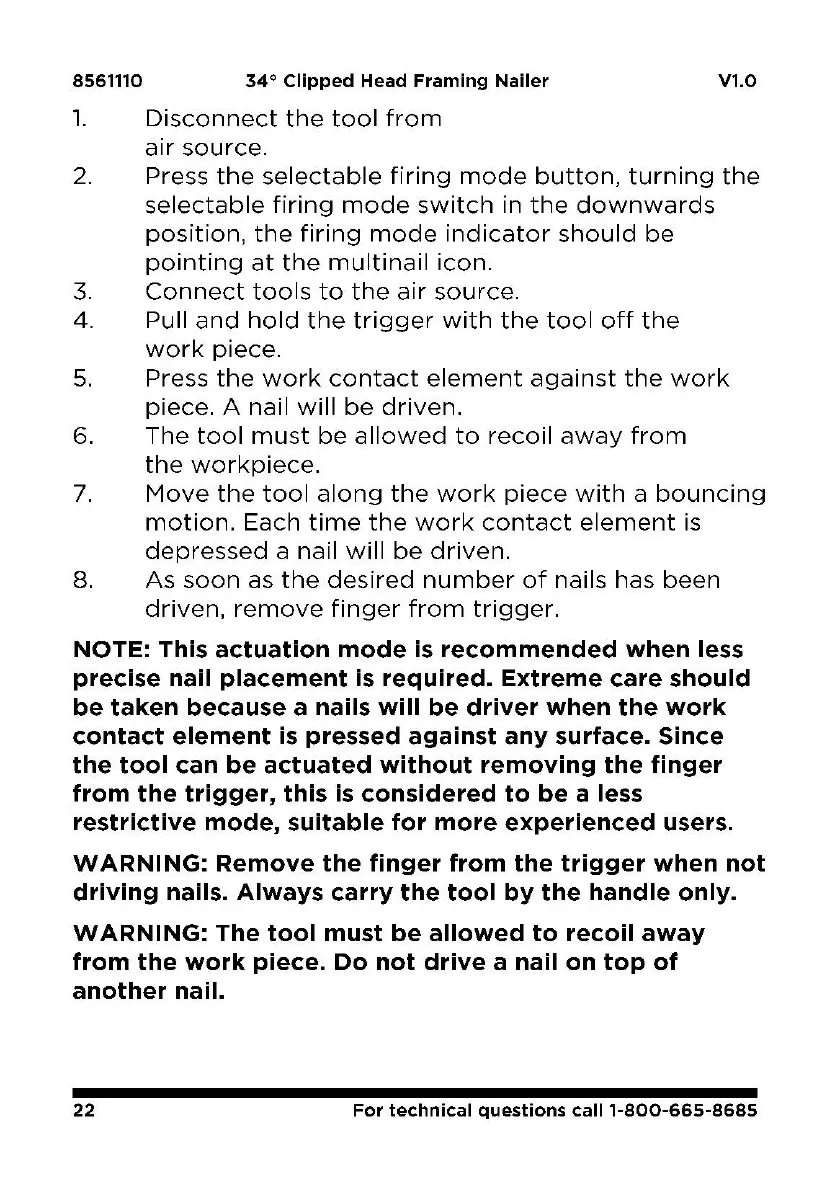
1.
Disconnect
the
tool
from
a1r
source.
V1.0
2.
Press
the
selectable
firing
mode
button,
turning
the
selectable
firing
mode
switch
in
the
downwards
position,
the
firing
mode
indicator
should
be
pointing
at
the
multinail
icon.
3.
Connect
tools
to
the
air
source.
4. Pull
and
hold
the
trigger
with
the
tool
off
the
work
piece.
5.
Press
the
work
contact
element
against
the
work
piece.
A nail
will
be
driven.
6.
The
tool
must
be
allowed
to
recoil
away
from
the
workpiece.
7.
Move
the
tool
along
the
work
piece
with
a
bouncing
motion.
Each
time
the
work
contact
element
is
depressed
a nail
will
be
driven.
8. As
soon
as
the
desired
number
of
nails has
been
driven,
remove
finger
from
trigger.
NOTE:
This
actuation
mode
is
recommended
when
less
precise
nail
placement
is
required.
Extreme
care
should
be
taken
because
a
nails
will
be
driver
when
the
work
contact
element
is
pressed
against
any
surface.
Since
the
tool
can
be
actuated
without
removing
the
finger
from
the
trigger,
this
is
considered
to
be
a
less
restrictive
mode,
suitable
for
more
experienced
users.
WARNING:
Remove
the
finger
from
the
trigger
when
not
driving
nails.
Always
carry
the
tool
by
the
handle
only.
WARNING:
The
tool
must
be
allowed
to
recoil
away
from
the
work
piece.
Do
not
drive
a
nail
on
top
of
another
nail.
22
For
technical
questions
call
1·800-665-8685