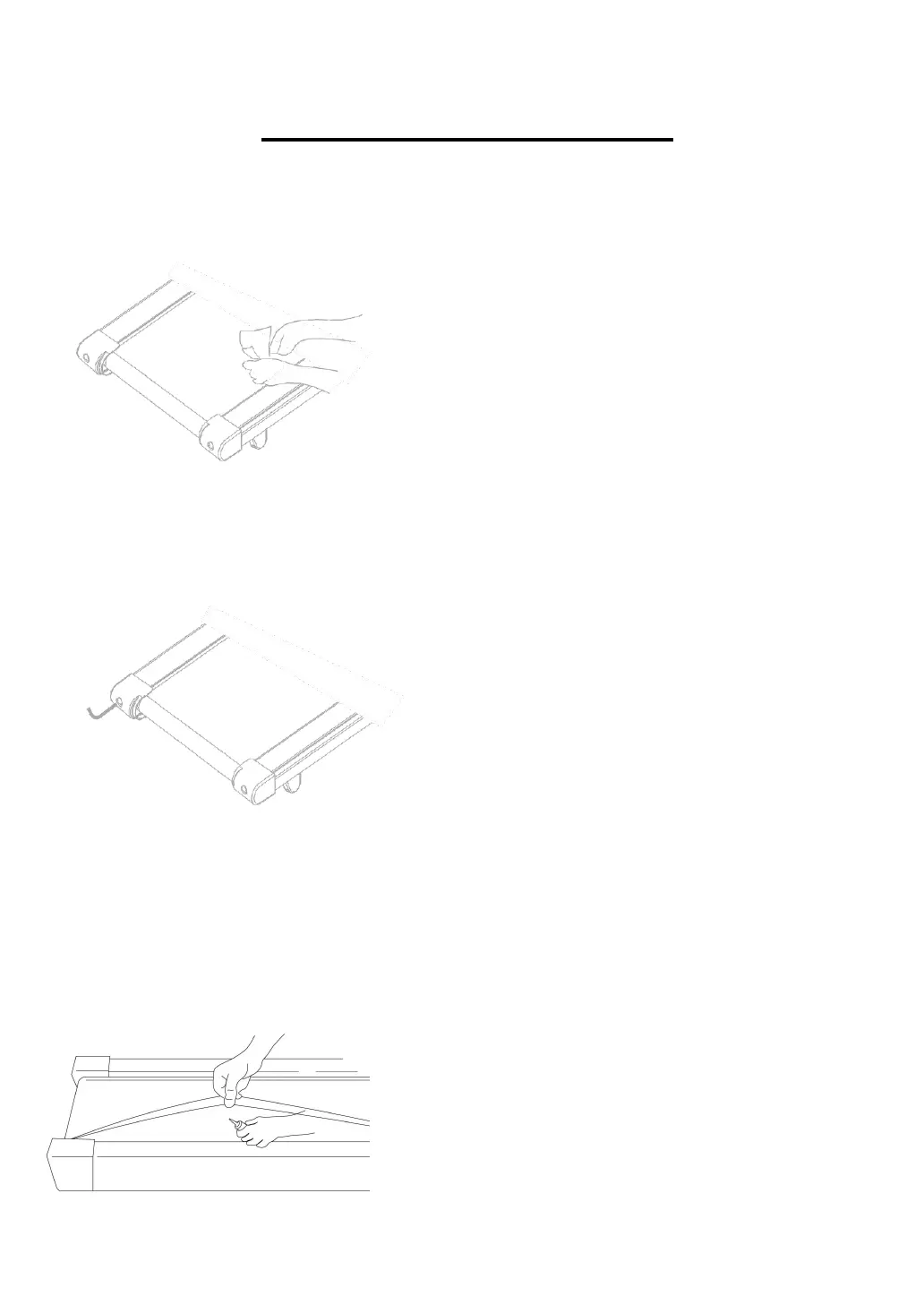
1.Clean the machine
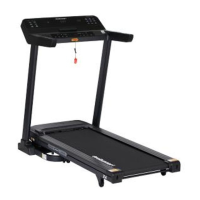
2、Adjust the walking belt
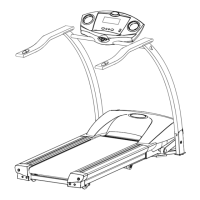
3、Walking belt lubricant:
General cleaning will help prolong the life and
performance of your treadmill. Keep the unit clean
and maintained by dusting the components on a
regular basis. Clean both sides of the running belt
to prevent dust from accumulating underneath the
belt. Keep your running shoes clean so that dirt
from your shoes does not wear out the running
board and belt. Clean the surface of the running
belt with a clean damp cloth.
Place the treadmill on level ground and set it at
4kmph to check if the Walking
Belt (No. C07) drifts.
1.If the Walking Belt (No. C07) moves to the left,
turn the adjusting bolt on
the left side 1/2 turn clockwise,
2.If the Walking Belt (No. C07) moves to the right,
turn the adjusting bolt on
the right side 1/2 turn clockwise,
3.If the Walking Belt (No. C07) will loosen. To
tighten the belt turn the Left & Right side
adjustment bolts 1/2 turn clockwise.
Lubricating the walking board and walking belt is
essential as the friction between the two affects the
life span and function of the treadmill, therefore it is
suggested that the running board and belt be
inspected regularly.
1.Raise the belt up on one side and apply lubricant
to the running deck. Use a
rag to thoroughly wipe the lubricant over the running
deck.
2.Repeat this process for the other side.


 To Next Page