Setup menu operation
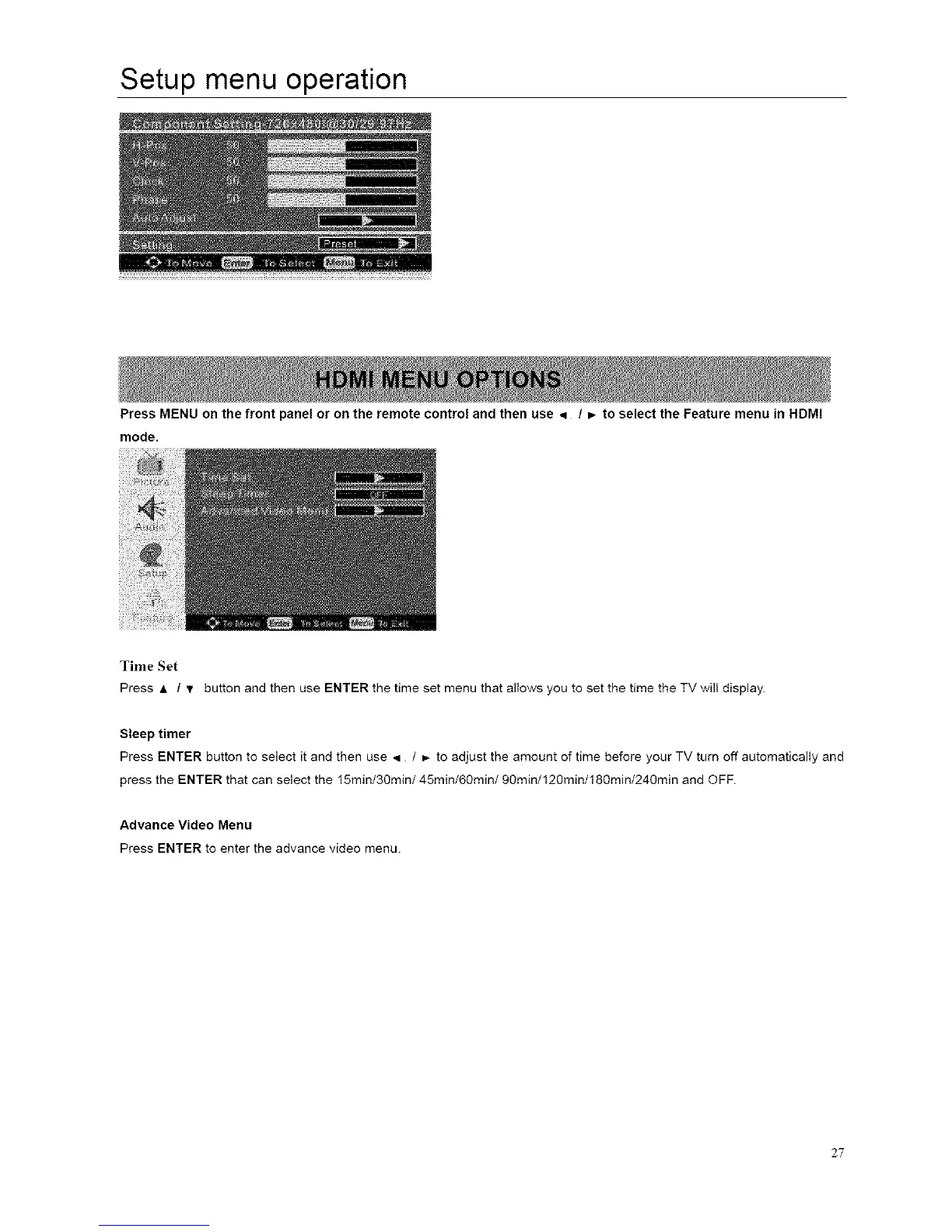
Press MENU on the front panel or on the remote control and then use 4 / _ to select the Feature menu in HDMI
mode.
Time Set
Press & / !r button and then use ENTER the time set menu that allows you to set the time the TV will display.
Sleep timer
Press ENTER button to select it and then use q / ,, to adjust the amount of time before your TV turn off automatically and
press the ENTER that can select the 15min/30min/45min/60min/90min/120min/180min/240min and OFF.
Advance Video Menu
Press ENTER to enter the advance video menu.
27














 To Next Page