Preparation for using your new TV
Familiarizing Yourself with the Main Hardware
(The picture of the product may vary depending on the model)
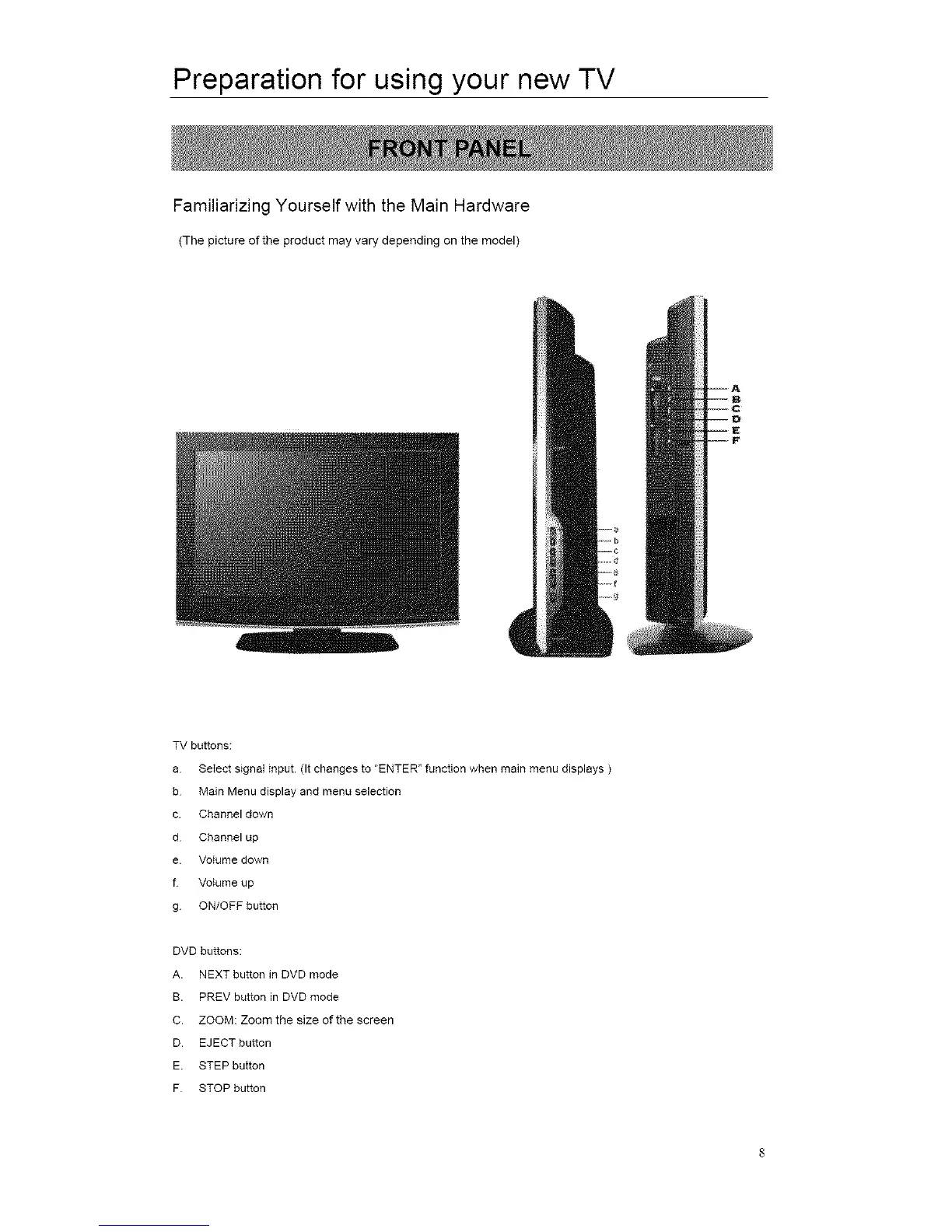
TV buttons:
a Select signal input. (It changes to "ENTER" function when main menu displays )
b Main Menu display and menu selection
c. Channel down
d Channel up
e Volume down
f Volume up
g ON/OFF button
DVD buttons:
A. NEXT button in DVD mode
B. PREV button in DVD mode
C. ZOOM: Zoom the size of the screen
D. EJECT button
E. STEP button
F STOP button














 To Next Page