Basic operation
Parental controm
1, Press MENU to open the OSD option
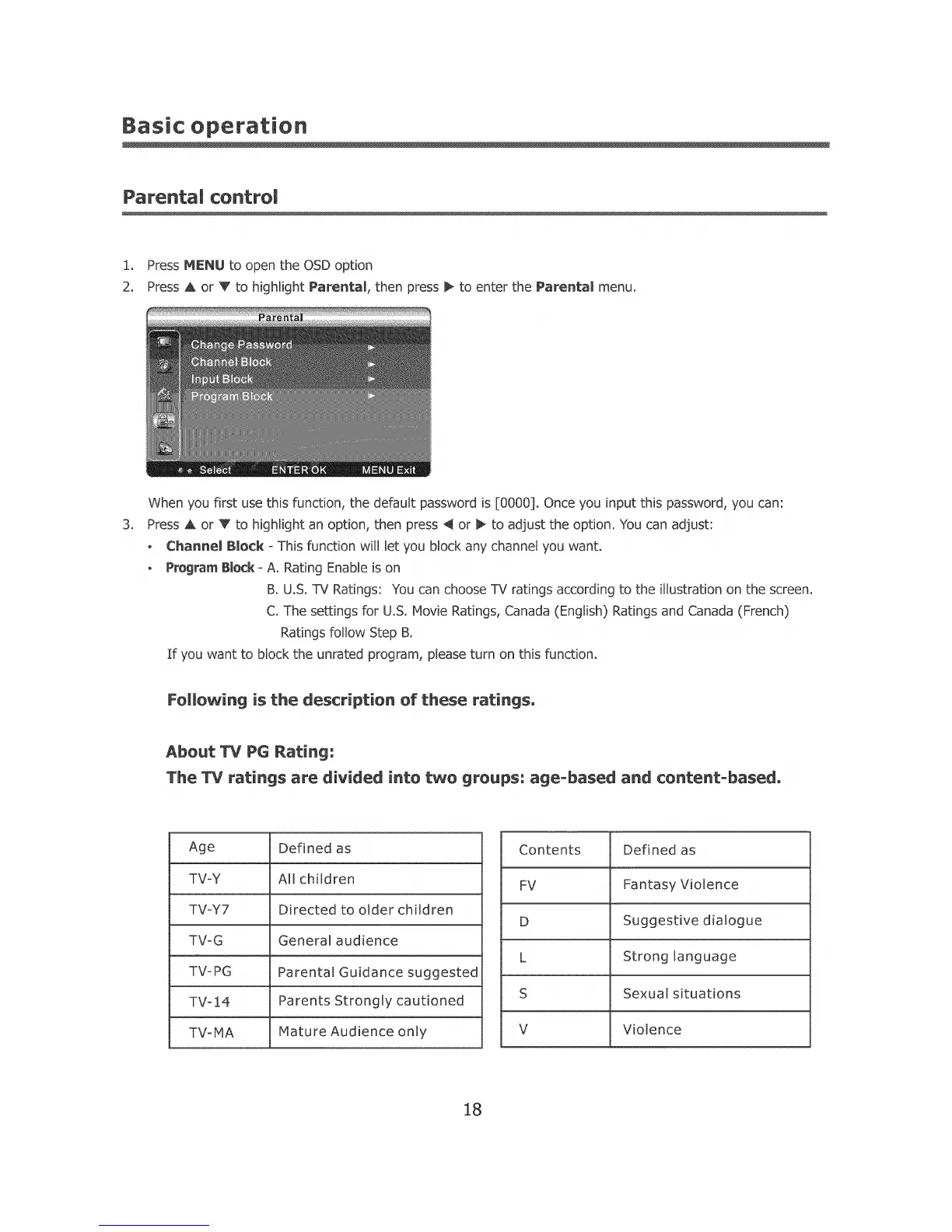
2_ Press A or V to highlight Parental, then press _ to enter the Parental menu.
3_
When you first use this function, the default password is [0000], Once you input this password, you can:
Press A or V to Hghlight an option, then press 4 or b, to adjust the option. You can adjust:
o ChannemBlock oThis function will let you block any channel you want.
- ProgramBlock oA. Rating Enable is on
B. U.S, 1%/Ratings: You can choose TV ratings according to the illustration on the screen.
C, The settings for U.S. Movie Ratings, Canada (English) Ratings and Canada (French)
Ratings follow Step B,
If you want to block the unrated program, please turn on this function.
Following is the description of these ratings,
About W PG Rating:
The TV ratings are divided into two groups: age=based and content=based,
Age
TV-Y
TV=Y7
TV-G
TVipG
TV-14
Defined as
All children
Directed to older children
General audience
Parental Guidance suggested
Parents Strongly cautioned
TV-MA Mature Audience only
Contents Defined as
FV Fantasy Violence
D Suggestive dialogue
L Strong language
S Sexual situations
V Violence
18













 To Next Page