OPERATIONS
14
Repeat Playback: (DVD)
Repeat Playback:
(CD)
2.
Slide the OPEN switch to left to open the disc door. Place the disc on the center spindle with label
side facing up. Close the disc door and the player will start playback automatically.
1.
Lift up the panel and turn to desired angle. Slide the Power ON/OFF switch to "ON" position to
power on the unit, the Green Indicator on front of the player will light.
4. To power off, press the POWER button on the Remote Control to turn the player to standby mode.
The Red Indicator will light. Press the POWER button again to turn the player on from standby
mode. (For saving energy, always power off the player by slide the Power ON/OFF Switch on the
player to OFF position or unplug the AC/DC Adaptor from player and wall outlet.)
During CD or DVD playback,
press the PROG (Program) button.
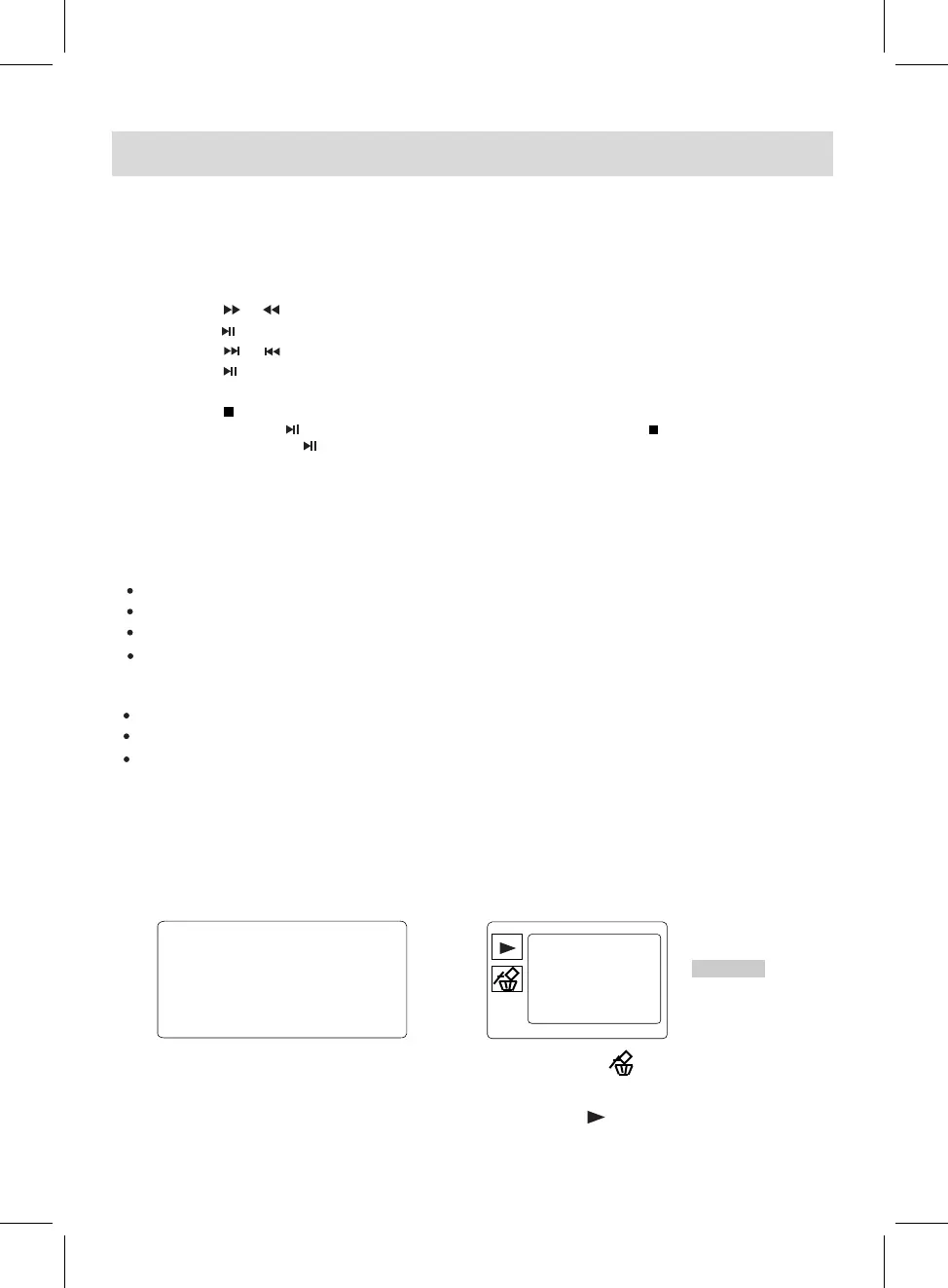
(CD/DVD) Program:
Using the Direction and Numeric buttons to select and set the desired TT (Title), CH (Chapters),
tracks (for CD) of the movie (music) you wants. The Program menu will appear as follows.
DVD CD
3. During playback:
~ Press the or buttons repeatedly to fast search for a specific section forward or backward.
Press the button to resume normal playback.
~ Press the or buttons repeatedly to skip to specific track.
~ Press the button to pause, press it again to resume normal playback.
~ Press the VOL (volume)+/- buttons to adjust volume level.
~ Press the button to stop playback. The player will remember the point where the disc was
stopped. Press the button to start playback from this point. Press the button twice to stop
completely, press the button to start playback from the beginning of the disc.
During playback, press the REPEAT button once to repeat the current Chapter.
Press the REPEAT button twice to repeat the current Title.
Press the REPEAT button the third time to repeat all.
Press the REPEAT button repeatedly
to turn off the repeat mode.
During playback, press the REPEAT button once to repeat the current track.
Press the REPEAT button twice to repeat all the tracks.
Press the REPEAT button repeatedly
to turn off the repeat mode.
1.
2.
T C
1
2
3
4
5
6
7
8
9
10
11
12
13
14
15
16
T C T C T C
--:--
--:--
--:--
--:--
--:--
--:--
--:--
--:--
--:--
--:--
--:--
--:--
--:--
--:--
--:--
PLAY CLEAR
TRACK01
TRACK02
TRACK03
TRACK04
TRACK05
TRACK06
0/16
+
--:--
4.
Using the Direction buttons to select and highlight the "PLAY" or button on the screen then press
the OK button to start program playback.
3.
+
Using the Direction buttons to select and highlight the "CLEAR" or button on the screen then
press the OK button to clear all the programmed items when there is wrong programming.



 To Next Page