18
TFT SETUP
Brightness
Contrast
Hue
Saturation
DIGITAL SETUP
TFT
TFT
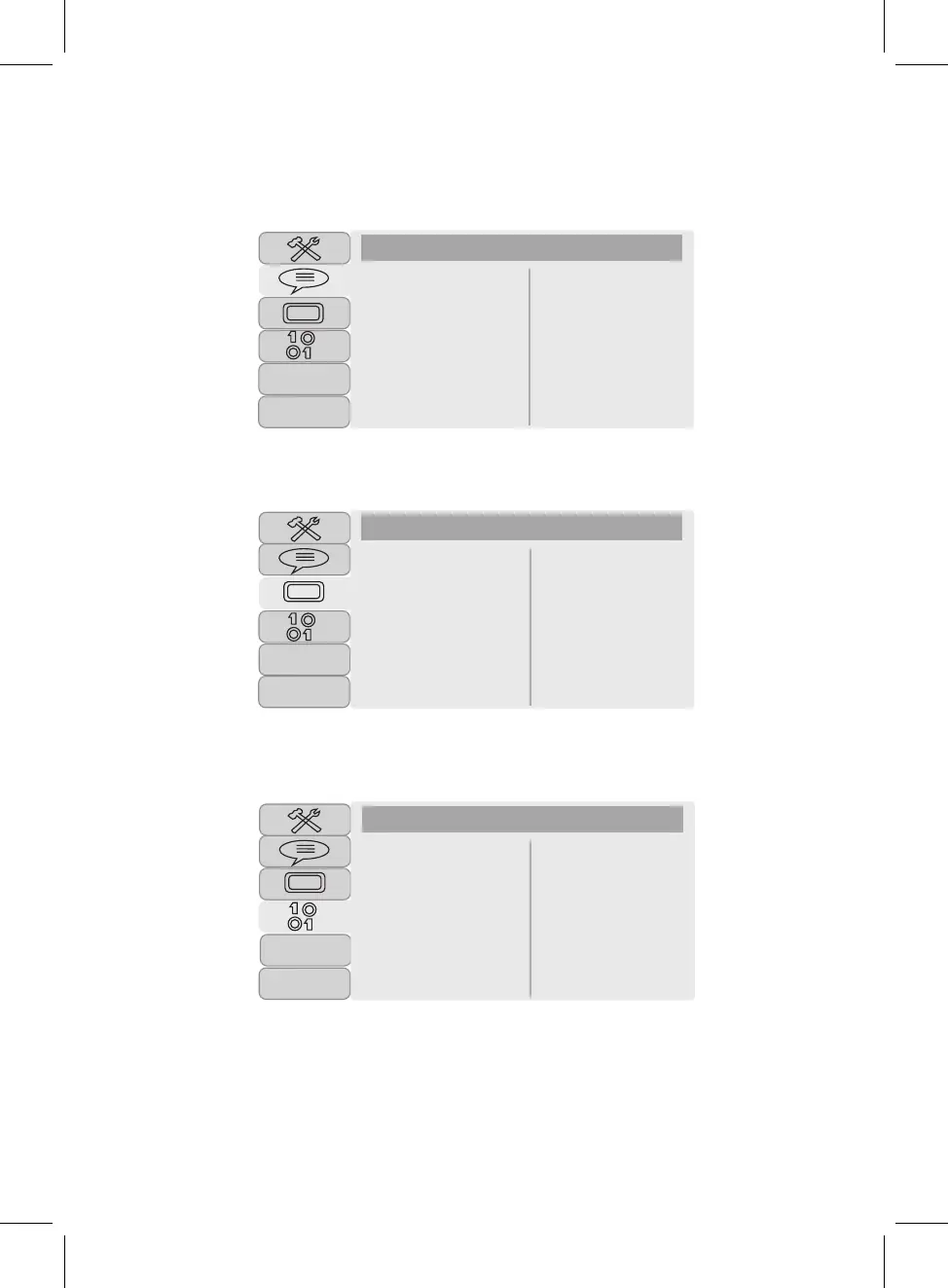
LANGUAGE SETUP:
Select Osd (on screen display) language , Audio Lang, Subtitle Lang or Menu Lang separately to set
to desired
language. Note: The Subtitle language can be set to OFF.
TFT SETUP:
Select the TFT setup to set the panel quality such as Brightness, Contrast, Hue and Saturation.
LT/RT
Stereo
DIGITAL SETUP:
In Digital Setup menu, using the Direction and OK buttons set Downmix to LT/RT or Stereo.
Note: Function depends on the recording of the DVD disc.
Downmix
If set to LT/RT, the rear left or rear right channels in Dolby 5.1 recording
DVD disc will play
on
both
Left and
Right Speakers.
If set to Stereo, the rear left channel will play on Left Speaker; the rear right channel will play on
Right Speaker.
LANGUAGE SETUP
TFT
Osd Language
Audio Lang
Subtitle Lang
Menu Lang



 To Next Page