SYSTEM SETUP
17
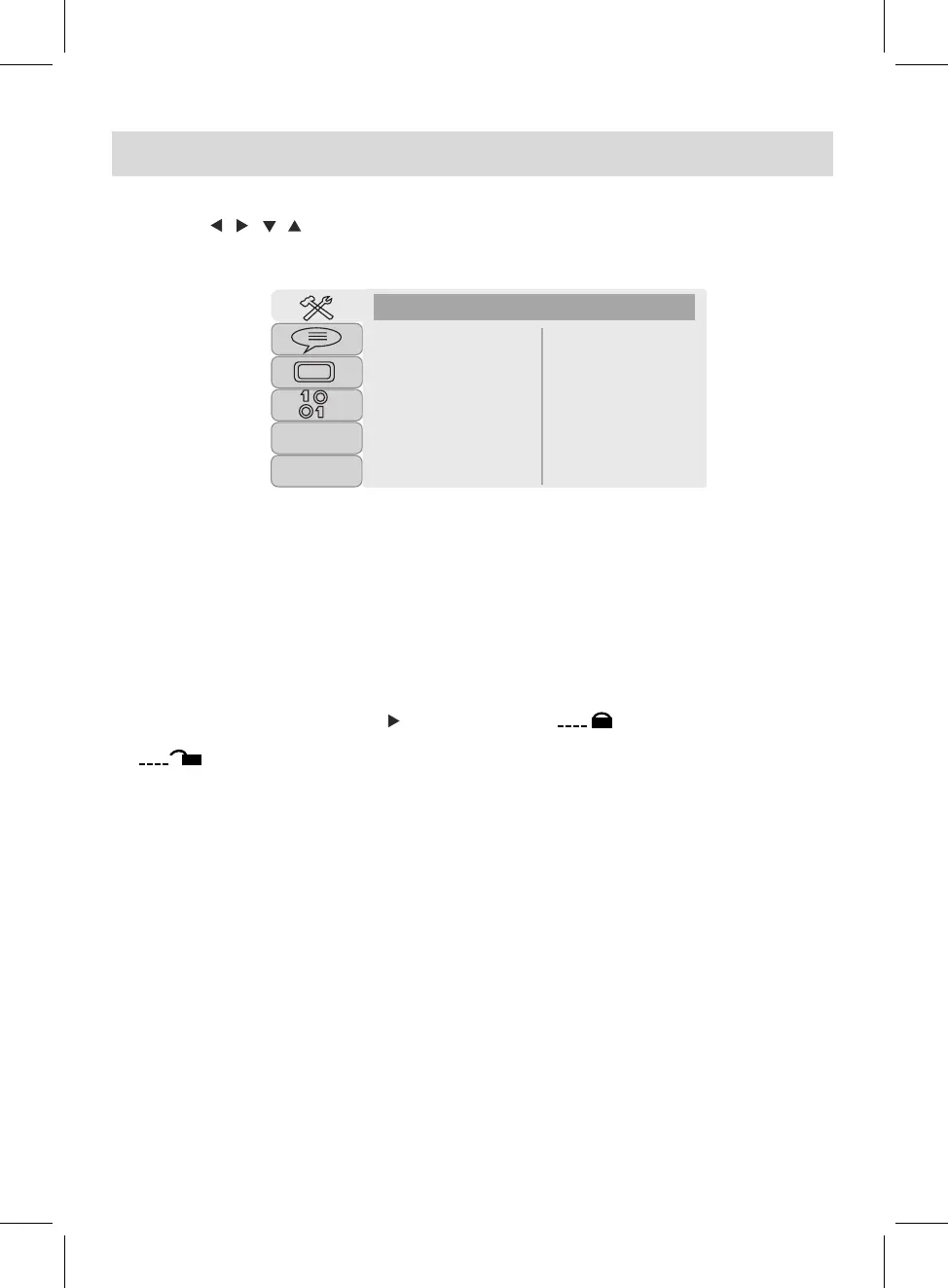
Press the SETUP button, the setting menu will appear on the screen as below. During setting, using
the Direction , , , buttons to select and highlight the function needed to set or reset. Press
the OK button to enter or confirm. After setting, press the SETUP button to save and exit.
4. If "TV Type" is selected, set the aspect ratio to match the connected TV
TV System
POWER RESUME
Screen Saver
TV Type
Password
Rating
VOICE GUIDE
Default
SYSTEM SETUP
2.
If "POWER RESUME" is selected, if set it On, the unit will start playback from the position where
the disc was stopped last time.
3.
If "Screen Saver" is selected, if set it On, the screen saver will come on when the unit idles or the
image paused for certain time.
SYSTEM SETUP:
8.
If "Default" is selected and set it to restore to reset all settings to default or press the SETUP button
to exit without changes.
5.
~ Rate levels:
KID SAFE: Kid safe
G: All ages
PG: Parental Guidance
PG 13: Parental Guidance less than 13 years old
PG-R: Under 17 years old, Parental Guidance suggested
R: Under 17 years old, Parental Guidance strongly
NC-17: 17 years old or above
ADULT: Adult only
To change a new password, highlight the password and enter a new four digit password under
unlocking status, press OK button to confirm the password changing.
7.
If “VOICE GUIDE” is selected, set it to on or off to open or close the voice guide when each button
pressed.
TFT
While in AV OUT mode and "TV System" is selected, using the Direction and OK buttons to set it to
NTSC, PAL or AUTO to match the connected TV (the default setting is NTSC).
1.
If "Password" is selected, press the button to highlight the , then enter four digit default
password "0000" to unlock the rating, press OK button to confirm. Now the lock status will be
.
6.
►
While in Password Unlocking mode and "Rating" is selected, press the ► button to enter rating
level, press
or
button to select the desired rating level, then press
OK
button to confirm
.
►



 To Next Page