EasyManua.ls Logo

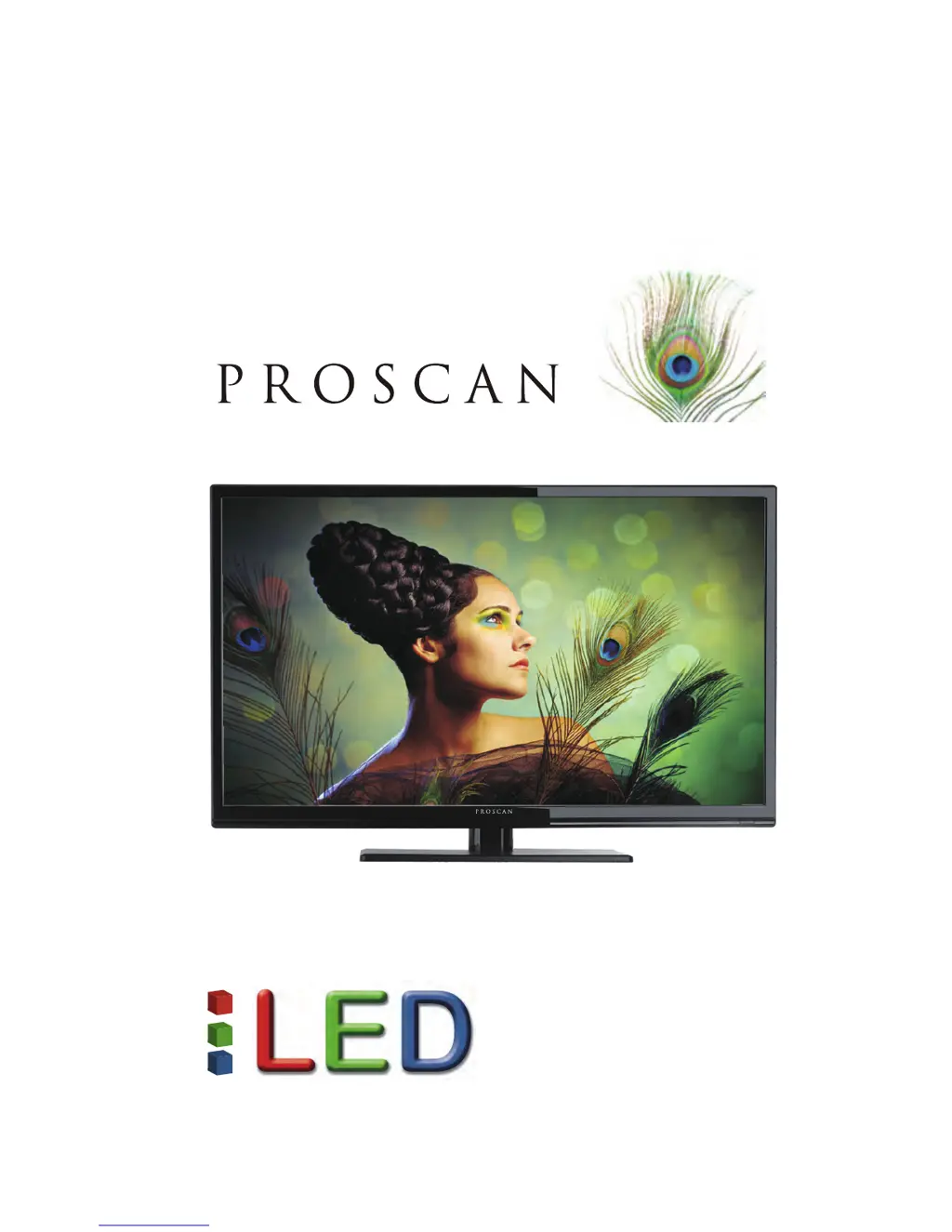
ProScan PLDED3996A - User Manual

ProScan PLDED3996A
36 pages
Print Icon
To Next Page IconTo Next Page
Loading...
PLDED3996A
USER’S MANUAL
39” LED TV

Questions and Answers

  • J
    Julie HughesSep 7, 2025
    Why does HDCP video have no audio on my ProScan LED TV?
    • J
      Julie GoldenSep 7, 2025
      If your HDCP video has no audio on your ProScan LED TV, ensure you have a 3.5 mm mini-jack cable connected from your HDCP video device’s sound output to the TV’s VGA STEREO INPUT. If your HDCP video device uses RCA AUDIO jacks, you’ll need to obtain an RCA audio converter to a 3.5 mm mini-jack cable.
  • M
    markcarlsonAug 22, 2025
    What to do if remote control does not work on ProScan PLDED3996A?
    • D
      Deborah GloverAug 22, 2025
      If the remote control for your ProScan LED TV isn't working, try these steps: turn off the TV, unplug it, and remove the batteries from the remote for 30 minutes. Press the remote buttons and the power button randomly for two seconds, then reinstall the batteries. Also, ensure there is a clear line of sight between the remote's sensor and the TV's remote sensor, which is located near the power indicator light.
  • W
    Wesley RamirezSep 4, 2025
    How to unblock TV channels that are blocked on ProScan PLDED3996A LED TV?
    • A
      April FullerSep 5, 2025
      If channels are blocked on your ProScan LED TV, check the auto lock function’s settings within the OSD. You may have inadvertently locked some channels.
  • K
    Kristi VegaSep 3, 2025
    Why is there a weak signal or no program symbol on the screen of my ProScan PLDED3996A LED TV?
    • D
      Dr. Ashley MendozaSep 3, 2025
      If your ProScan LED TV shows a weak signal or a 'no program' symbol, try changing the direction of your antenna and rescanning the channels. If you have cable, contact your cable company to inquire about the signal strength of your local cable.
  • J
    justinschmidtSep 2, 2025
    Why is there no color on my ProScan PLDED3996A LED TV?
    • C
      Cathy HarrellSep 2, 2025
      If your ProScan LED TV has no color, adjust your picture settings and ensure that the saturation and RGB settings are not turned all the way down. Also, check your signal strength; the TV’s tuner signal must not be lower than 65 %.
  • G
    Gerald ChavezAug 31, 2025
    What to do if the ProScan LED TV turns on or off slowly?
    • N
      nicholas03Aug 31, 2025
      Your ProScan LED TV uses a High Definition liquid crystal display panel, which requires a few more seconds than normal TVs to power up and display the picture. This is normal.
  • D
    dakota11Aug 30, 2025
    How to fix picture that is too dark on ProScan PLDED3996A?
    • A
      Allison LoveAug 30, 2025
      If the picture on your ProScan LED TV is too dark, adjust the contrast, brightness, and lamp settings from the OSD Menu.
  • S
    Sheena RodriguezAug 29, 2025
    How to fix abnormal colors on ProScan PLDED3996A LED TV?
    • H
      harrisdawnAug 29, 2025
      To correct abnormal colors on your ProScan LED TV, ensure that the colors on the cables match the ports on the back of the television. For example, connect the red cable to the red-colored port.
  • M
    Matthew MaloneAug 27, 2025
    What to do if I cannot receive sufficient channels through the ATSC/NTSC tuner on ProScan LED TV?
    • P
      Peter AndersenAug 28, 2025
      If your ProScan LED TV isn't receiving enough channels via the ATSC/NTSC tuner, try changing the direction of your antenna and rescanning the channels. If you have cable, contact your cable company to inquire about the signal strength of your local cable.
  • K
    Katherine RamosAug 27, 2025
    Why is there audio only but no picture on my ProScan PLDED3996A LED TV?
    • H
      Hannah LangAug 27, 2025
      If you are getting audio but no picture on your ProScan LED TV, ensure that both your video and audio cables are correctly connected. Also, make sure the TV’s tuner signal is not lower than 65 %.

Summary

Essential Safety Warnings

Electrical Shock Hazard Warning

Alerts users about electrical hazards and the importance of professional servicing.

General Usage Cautions

Preventing Fire and Shock

Advises on precautions to prevent fire, electrical shock, and damage from liquids or heat.

Handling and Placement Cautions

Physical Handling and Stability Advice

Warns against physical damage, instability, and electrical hazards during non-use.

Important Information and Safety

Antenna Connection and Grounding

Explains the necessity and method of grounding external antennas for surge protection.

Lightning Protection Measures

Recommends unplugging the TV and antenna during lightning storms for protection.

Antenna Placement Safety

Advises on safe placement of the antenna away from overhead power lines.

Remote Control Guide

All Remote Control Button Functions

Provides a detailed explanation of the functions of all buttons on the remote control.

OSD Picture Settings

Adjusting Picture Mode and Brightness

Guides users through adjusting picture settings like brightness, contrast, color, and sharpness.

OSD Picture and Sound Adjustments

Advanced Picture Settings Control

Explains how to adjust picture settings such as aspect ratio, noise reduction, and dynamic contrast.

Sound Mode Configuration

Details how to adjust sound settings including equalizer, MTS, and audio output options.

OSD Sound and Time Settings

Additional Sound Settings Control

Provides additional information on adjusting sound settings like MTS and audio language.

Parental Controls and Input Locks

Content Ratings and Lock Settings

Troubleshooting Common Problems

Picture and Color Issues Resolution

A comprehensive guide to common TV problems and their solutions.

Troubleshooting Additional Issues

Channel and Remote Control Issues

Continues troubleshooting common issues like blocked channels, slow power, and picture anomalies.

Troubleshooting Advanced Issues

Volume, Pixel, and Power Saving Issues

Addresses issues related to volume, picture quality, aspect ratio, remote buttons, and power saving.

TV Input and Output Ports

Regulatory Compliance Information

ProScan PLDED3996A Specifications

General IconGeneral
Screen Size39 inches
Display TypeLED
HDMI Ports3
USB Ports1
Refresh Rate60 Hz
Aspect Ratio16:9
InputsHDMI, USB

Related product manuals