Audio Effe ct
Audio Effe ct
AVL
Analog Language
It is only available in ATV.
Analog Language Mono,Ste reo or Sap.
Dig ita l Language
. It is available Only in DTV.
Digital Language English , .
Dig ita l Audio Outp ut
Send the audio output ty pe of coax or opti cal te rmical.
Digital Audio Outp ut
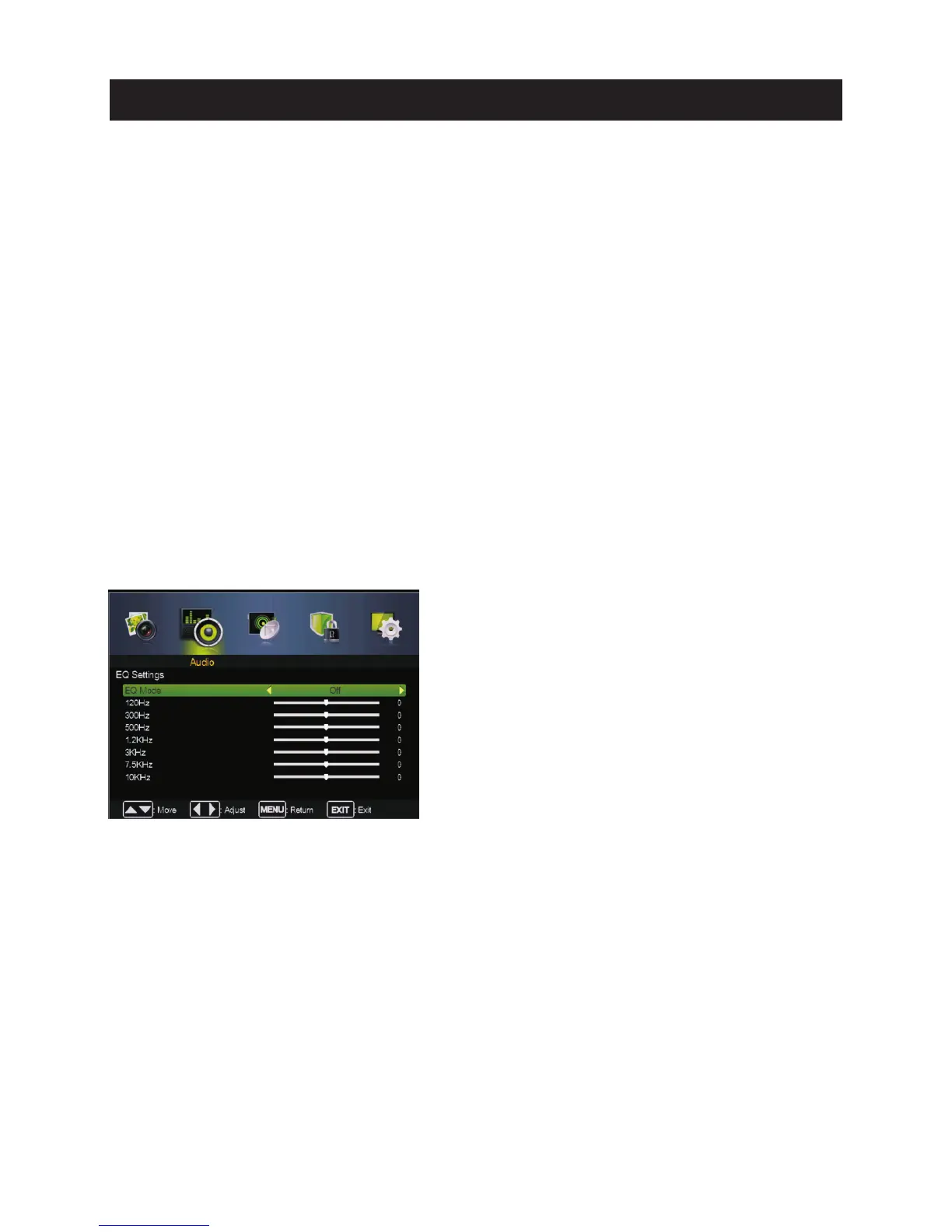
EQ Settin gs
EQ Settings
Pre ss ▼ / ▲ butt on to select , then press◄ / ► butt on to select On or Off.
Pre ss ▼ / ▲ butt on to select AVL , then press◄ / ► button to select On or Off.
Pre ss ▼ / ▲ butt on to select , then press◄ / ► butt on to select
Pre ss ▼ / ▲ butt on to select , then press◄ / ► butt on to select
Pre ss ▼ / ▲ butt on to select , then press◄ / ► butt on to select Off,R AW or PCM.
Pre ss ▼ / ▲ butt on to select , then press Enter / ►button to ente r sub-m enu.
Set the auto volume contro l.
Configures the multi-tra ck sound.
Adjust th e curv e of 7 bands equalizer.
Mono Sets the sound to mono.
Ste reo Sets the sound to ste reo when stere o is not available, the sound is automatically switched to mono.
Sap Sets th e sound to the second audio progra m.
Select th e language supporte d by th e chosen digital channel
Fre nch ,Spanish
EQ Mode
Press ▼ / ▲ button to select EQ Mode, then press◄ / ► button to select.
(Available EQ mode: Off,Rock,Pop,Jazz,User).
17
Main Menu Operation



 To Next Page