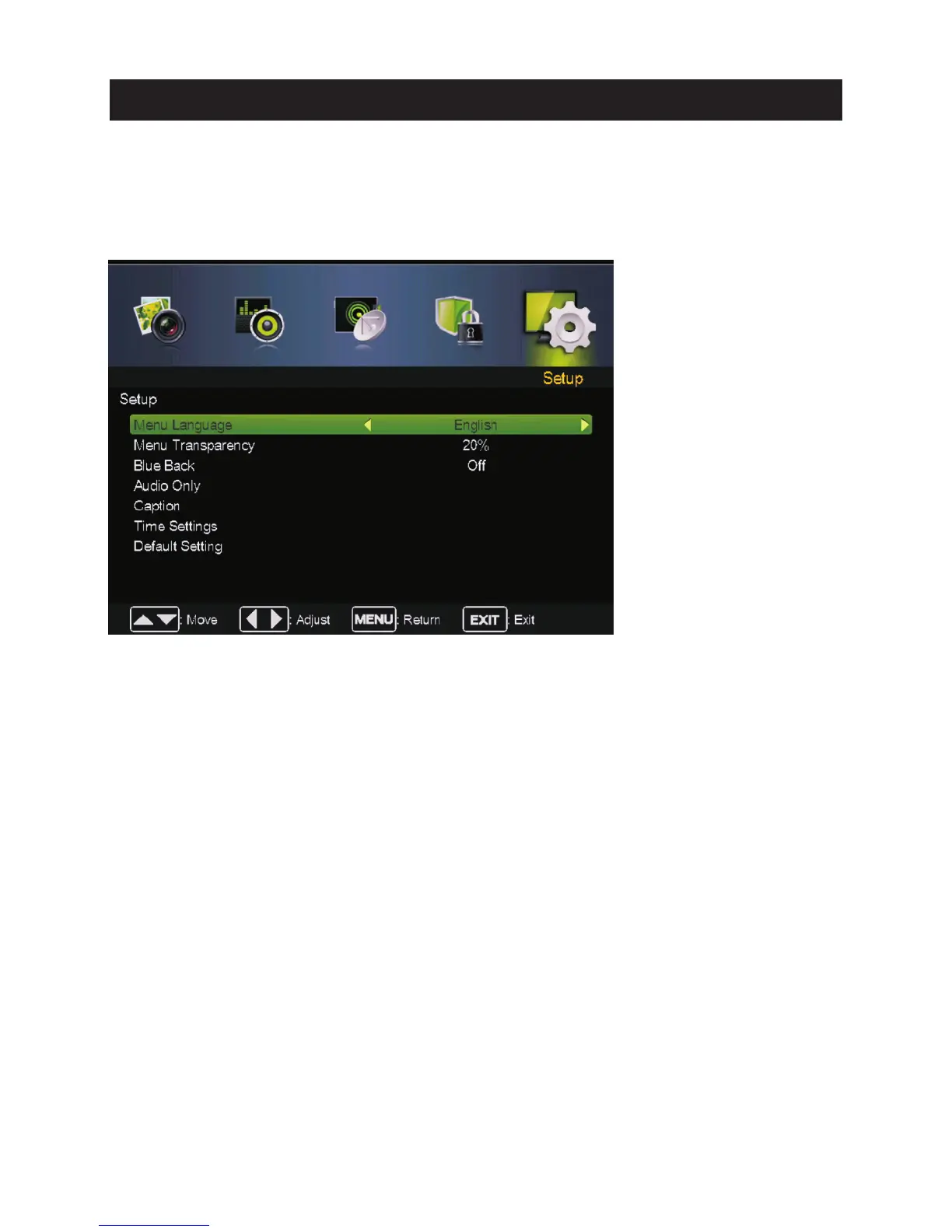
Setup Menu
ress to enter.
Pre ss MENU button to display th e main menu.
Pre ss ◄ / ► butt on select SETUP in th e main menu,then p ENTER / ▼
Menu language
Adjust TV Menu opti ons.
Menu language, English / Español/ Français .
Menu Transparency
Adjust th e tra nsparency of the OSD (on screen display) menu.
Menu Tra nsparency,
Menu Tra nsparency
,
Pre ss ▼ / ▲ butt on to select then press◄ / ► butt on to select
Pre ss ▼ / ▲ butt on to select then press◄ / ► butt on to select.
(Available : 0%,2 0%,40%,60%,80%,1 00%).
Blu e Back
Set the scre en backgro und color blue or not when no valid signal input. When analog TV input and
has no signal, snow noise will display if this option is cleared.
Pre ss ▼ / ▲ butt on to select Blue Back then pre ss◄ / ► button to select On or Off.
Audio Only
When you highlight th e item, th e system will note you that “Atte ntio n! Hold on power key 3
second to re store video”, and if you are sure not need to view (backlight is turn ed off),
pre ss No to confi rm . As th e attention, if you want to wake up th e video, please hold on th e power
button for 3 seconds.
1. Press ▼ / ▲ button to select the option that you want to adjust in the SETUP menu.
2. Press Enter/◄ / ► button to adjust.
3. After finishing your adjustment, Press MENU button to save and return back to the previous menu.
26
Main Menu Operation



 To Next Page