ress to enter.
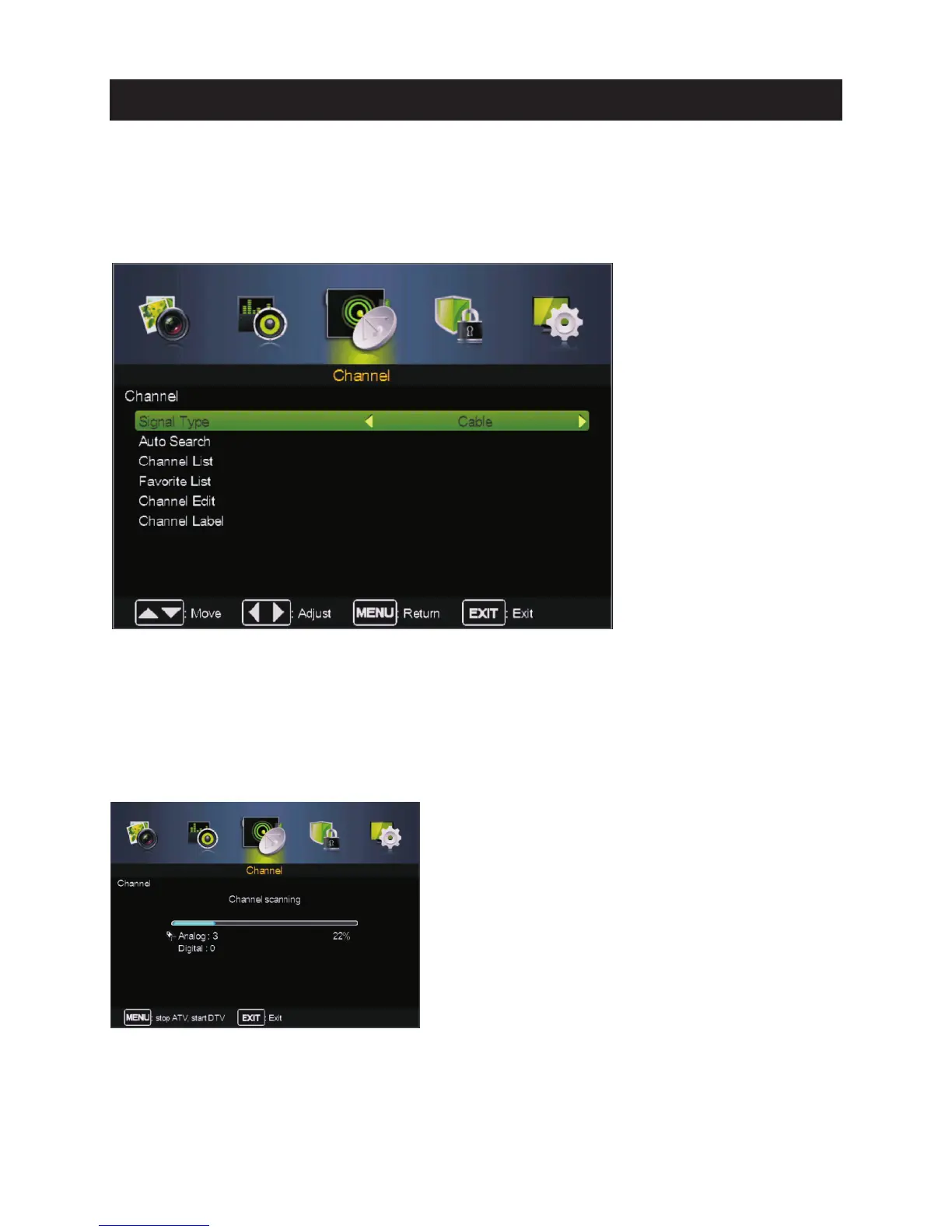
Pre ss MENU butt on to display th e main menu.
Pre ss ◄ / ► butt on to select CHANNEL in th e main menu,t hen p ENTER / ▼ .
1. Pre ss ▼ / ▲ button to select the opti on that you want to select in the CHANNEL menu.
2. Press Enter butt on to enter sub-menu.
3. Press MENU butt on to re tu rn back to the previous menu.
Sig nal Type
Signal Type
Auto Searc h
Auto Search
Pre ss ▼ / ▲ butt on to select , then press ◄ / ► button to select Air or Cable.
Pre ss ▼ / ▲ butt on to select , then press Enter / ►button to start th e auto searc hing.
Channel Menu
It will search analog channels first,then digital channels.
Before execute auto channel search,please confirm your antenna type is Air or Cable.
Wrong setting of Signal Type maybe cause finding no channel.Found numbers do not include
encryption programs.
18
Main Menu Operation



 To Next Page