Using Your TV and Remote
With VCRs: Setting the VCR1 Channel
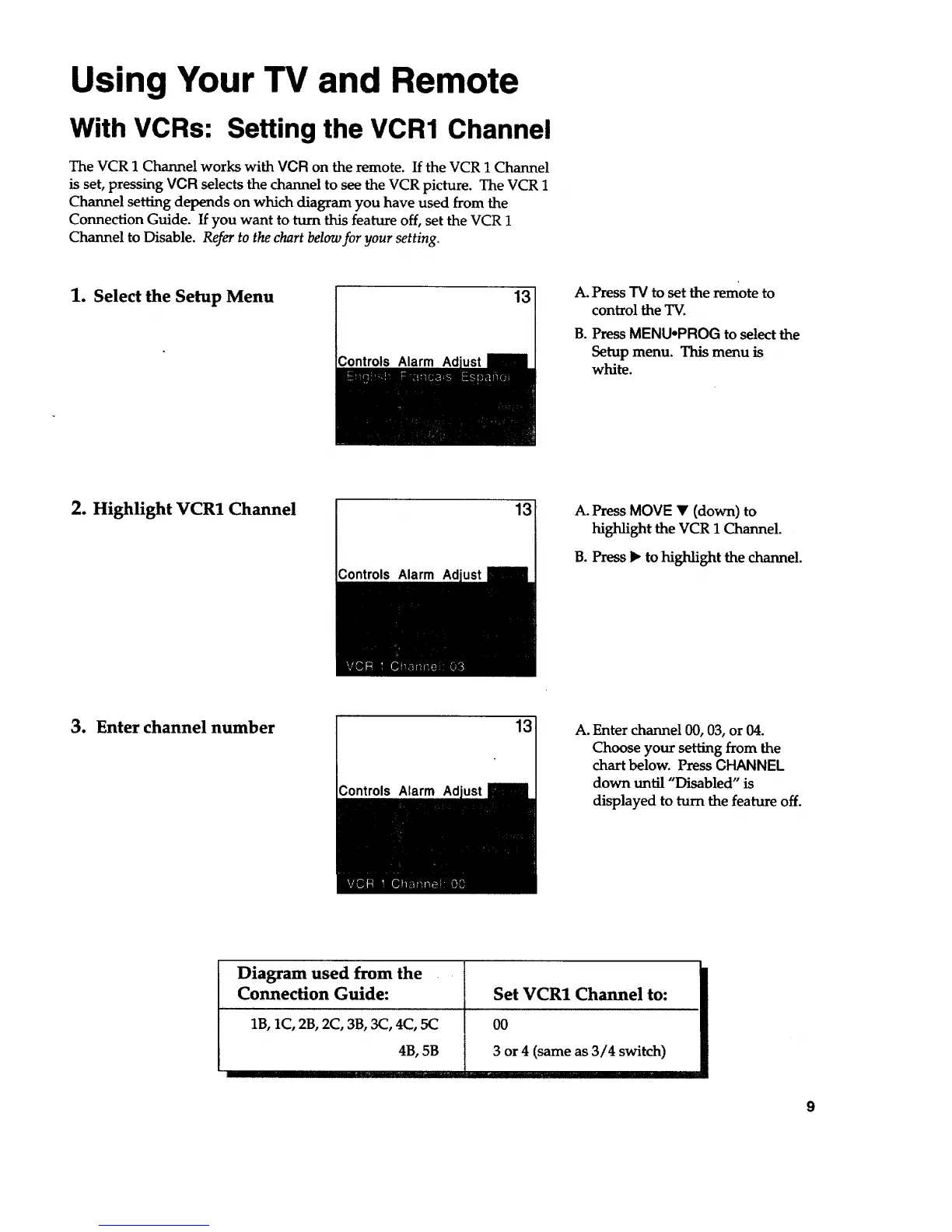
The VCR 1 Channel works with VCR on the remote. If the VCR 1 Channel
is set, pressing VCR selects the channel to see the VCR picture. The VCR 1
Channel setting depends on which diagram you have used from the
Connection Guide. If you want to turn this feature off, set the VCR 1
Channel to Disable. Refer to the chart below for your setting.
1. Select the Setup Menu
Controls Alarm Ad
13
A. Press TV to set the remote to
control the TV.
B. Press MENUoPROG to select the
Setup menu. This menu is
white.
2. Highlight VCR1 Channel
Controls Alarm Ad
13
A. Press MOVE • (down) to
highlight the VCR 1 Channel.
B. Press • to highlight the channel.
3. Enter channel number
Controls Alarm Ad
13_
A. Enter channel 00, 03, or 04.
Choose your setting from the
chart below. Press CHANNEL
down until "Disabled" is
displayed to turn the feature off.
Diagram used from the
Connection Guide:
1B, 1C,2B, 2C, 3B, 3C, 4C, 5C
4B, 5B
Set VCR1 Channel to:
00
3 or 4 (same as 3/4 switch)
9


 To Next Page