References
Front Panel Buttons
For details on using buttons with menus, see Menu Basics on page 5.
OR
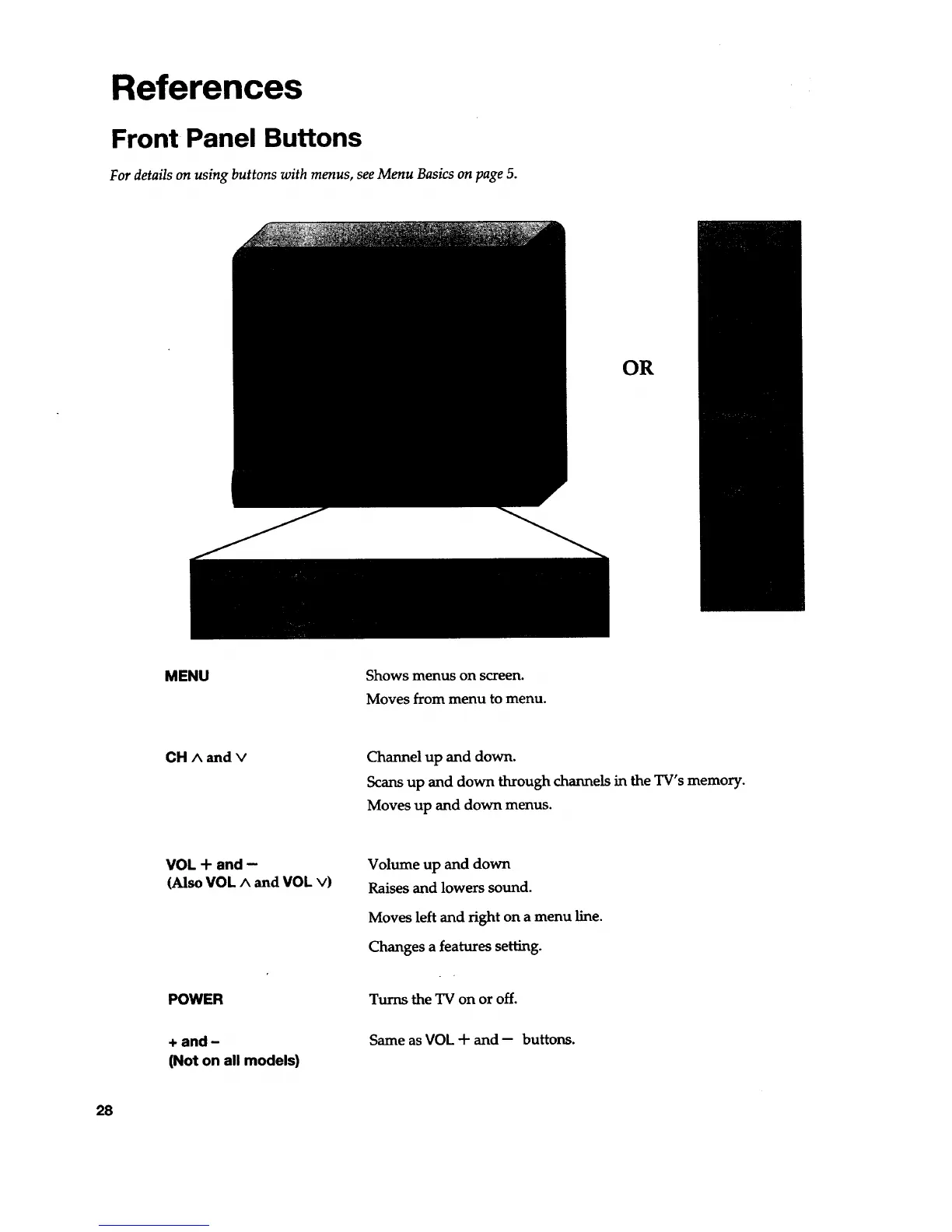
MENU Shows menus on screen.
Moves from menu to menu.
CH A and v
Channel up and down.
Scans up and down through channels in the TV's memory.
Moves up and down menus.
VOL + and --
(Also VOL A and VOL v)
Volume up and down
Raises and lowers sound.
Moves left and right on a menu line.
Changes a features setting.
POWER
+ and -
(Not on all models)
Turns the TV on or off.
Same as VOL + and- buttons.
28


 To Next Page