Using Advanced Features
Setting the Alarm Clock
The TV can be set to turn on each day like your alarm clock. You can set
it to turn on to your favorite channel at a certain time. You can also set it
to turn itself off again. The Alarm cannot be used until the clock is set.
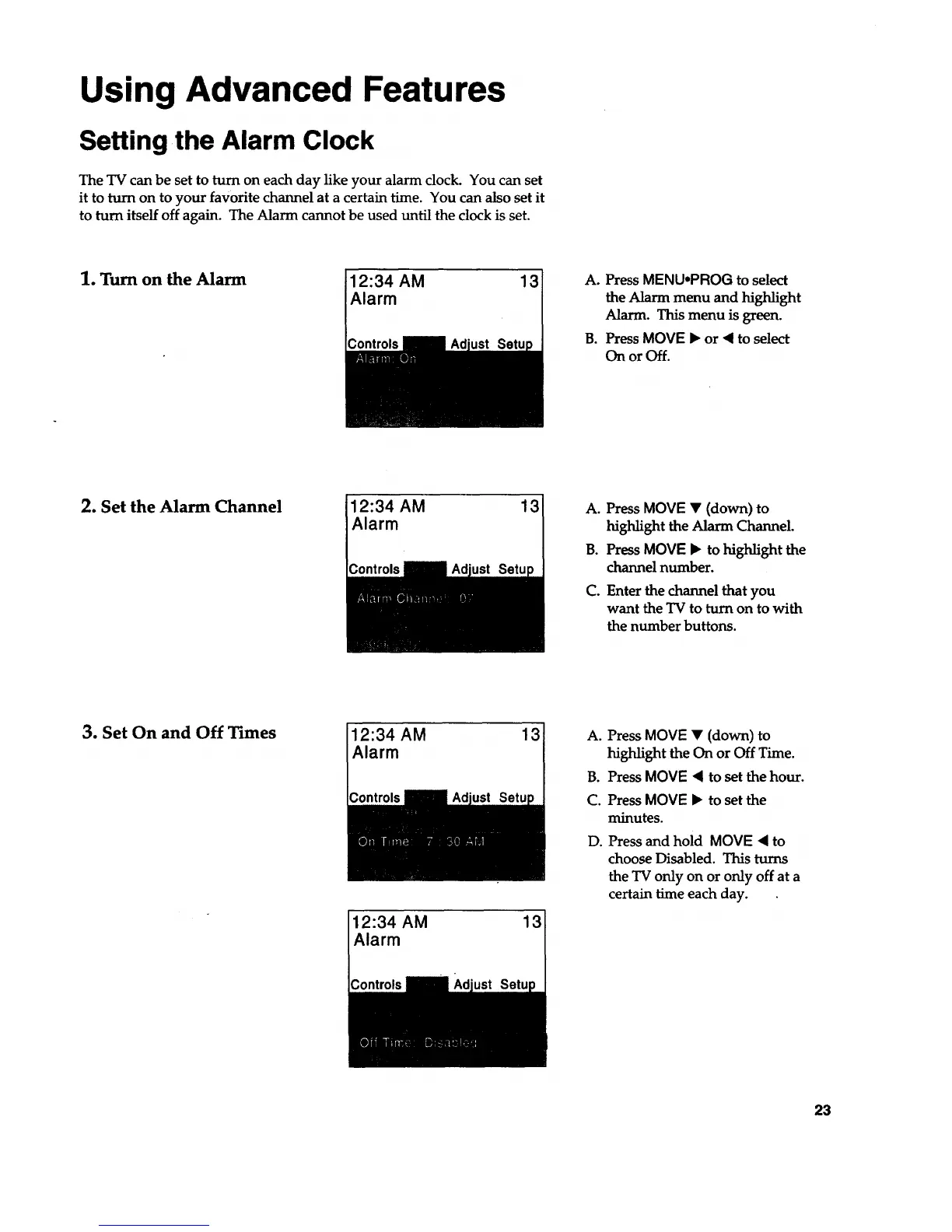
1. Turn on the Alarm
12:34 AM 13
Alarm
A. PressMENUoPROG to select
the Alarm menu and high_ght
Alarm. This menu is green.
B. PressMOVE • or • to select
On or Off.
2. Set the Alarm Channel 12:34 AM 13
Alarm
A. Press MOVE • (down) to
highlight the Alarm Channel.
B. Press MOVE • to highlight the
channel number.
C. Enter the channel that you
want the TV to turn on to with
the number buttons.
3. Set On and Off Times
12:34 AM 13
Alarm
12:34 AM 13
Alarm
A. Press MOVE • (down) to
highlight the On or Off Time.
B. Press MOVE • to set the hour.
C. Press MOVE • to set the
minutes.
D. Press and hold MOVE • to
choose Disabled. This turns
the TV only on or only off at a
certain time each day.
23



 To Next Page