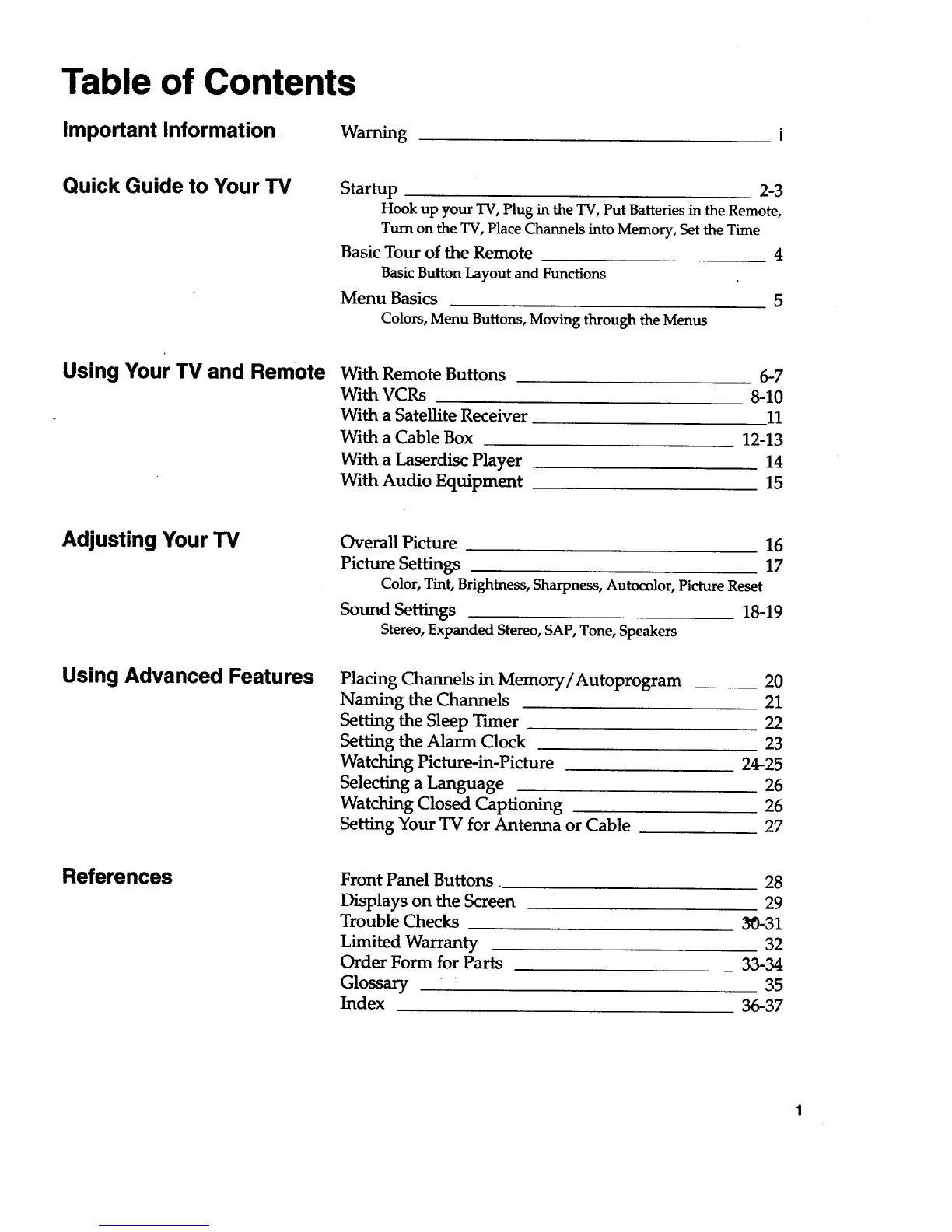
Table of Contents
Important Information Warning
Quick Guide to Your TV
Startup 2-3
Hook up your TV, Plug in the TV, Put Batteries in the Remote,
Turn on the TV, Place Channels into Memory, Set the Time
Basic Tour of the Remote 4
Basic ButtonLayout and Functions
Menu Basics 5
Colors, Menu Buttons, Moving through the Menus
Using Your TV and Remote With Remote Buttons
With VCRs
With a Satellite Receiver
With a Cable Box
With a Laserdisc Player
With Audio Equipment
6-7
8-10
11
12-13
14
15
Adjusting Your TV
Using Advanced Features
OverallPicture 16
Picture Settings 17
Color, Tint, Brightness, Sharpness, Autocolor, Picture Reset
Sound Settings 18-19
Stereo, Expanded Stereo, SAP, Tone, Speakers
Placing Channels in Memory/Autoprogram
Naming the Channels
Setting the Sleep Tuner
Setting the Alarm Clock
Watching Picture-in-Picture
Selecting a Language
Watching Closed Captioning
Setting Your TV for Antenna or Cable
20
21
22
23
24-25
26
26
27
References
Front Panel Buttons
Displays on the Screen
Trouble Checks
Limited Warranty
Order Form for Parts
Glossary
Index
28
29
30-31
32
33-34
35
36-37


 To Next Page