- 12 -
Using Menus
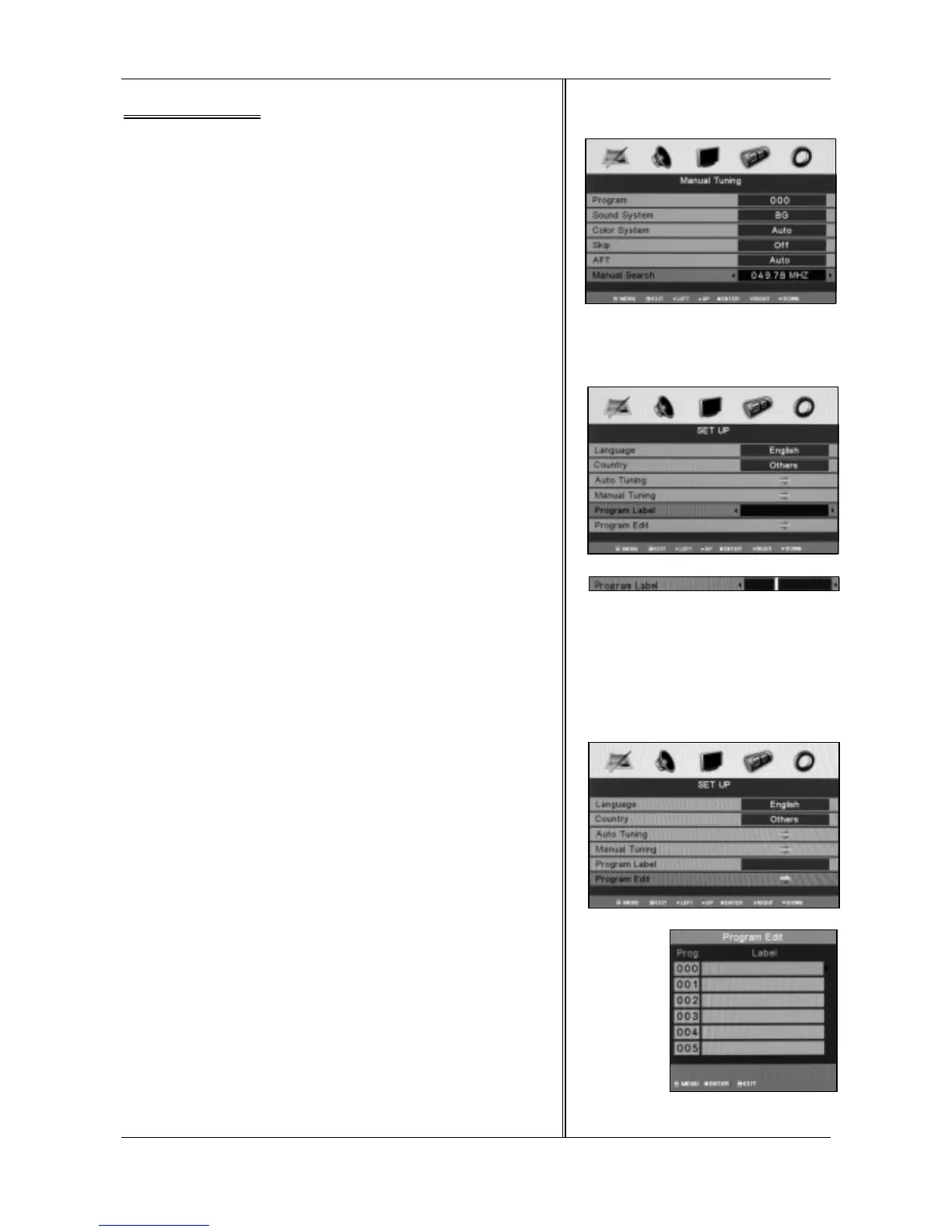
Manual Search
Manual search option allows you to preset channels one by one, in
the order of your choice.
Program Label
This option allows you to name for a selected channel, you can also
rename the program which you have named.
1.Select a channel which you would like to operate for it.
2.Press <▲ / ▼> to select Program Label in SET UP menu.
3.Press <◄ / ►> to perform your selection, and the menu bar of
program label will display on the bottom side of the screen.
4.Press the numeric keys to input the numbers directly or press <▲ /
▼> to select the letters.
5.Press <◄ / ►> to move the cursor.
6.After completed, press <MENU> to return to the previous menu or
press <EXIT> to exit the main menu.
Program Edit
This function allows you to reorganize the order of the TV programs
according to your preferences.
1.Press <▲ / ▼> to select Program Edit in SET UP menu.
2.Press <◄ / ►> to enter the sub menu, and a channel list will be
appeared on the screen.
3.Press <▲ / ▼> to select a channel in the list which you would like
to sort.
4.Press < ►> to perform your selection.
5.Press <▲ / ▼> to select a channel in the list which you would like
to place at.
6.Press <◄ > to perform your selection.
7.After completed, press <MENU> to return to the previous menu or
press <EXIT> to exit the main menu.



 To Next Page