- 6 -
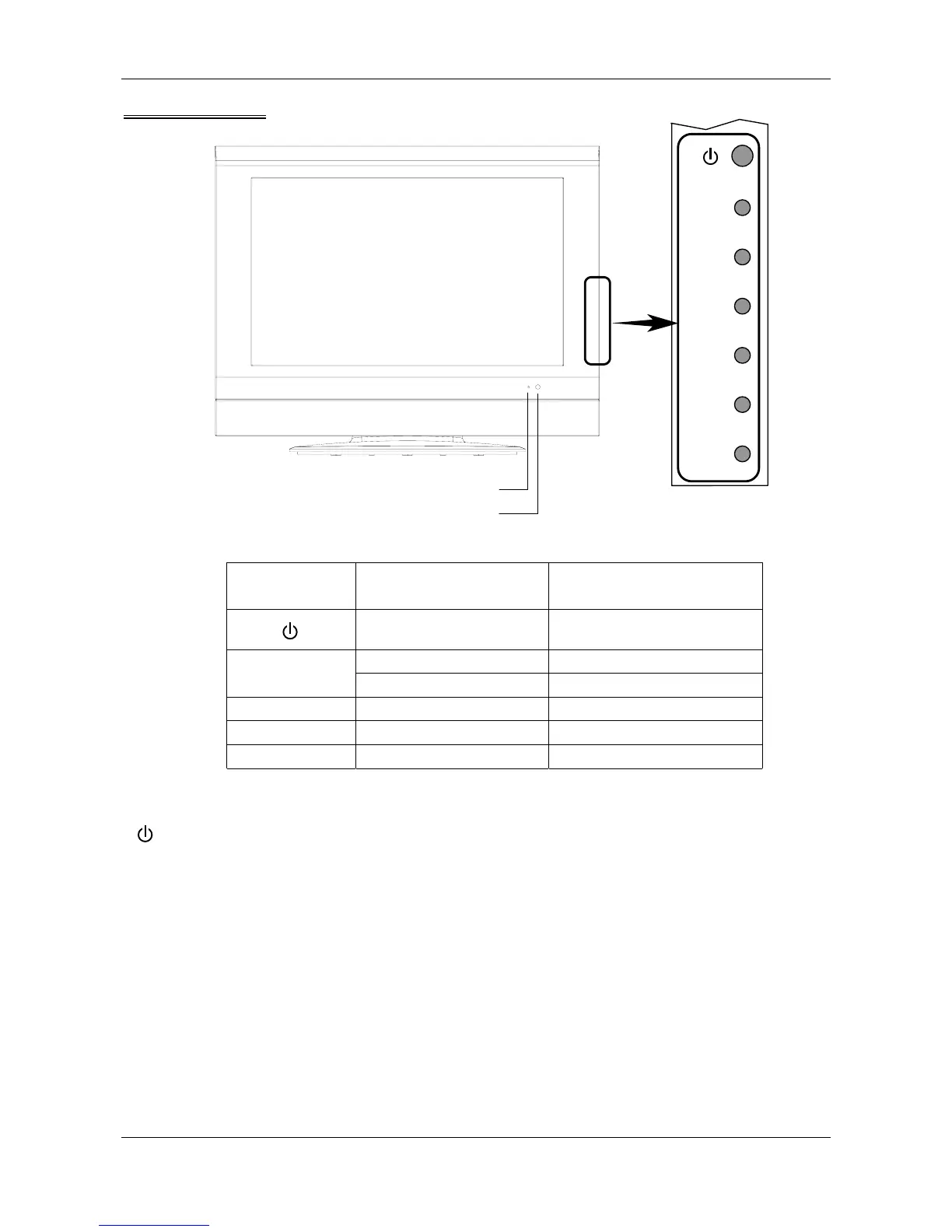
Control Panel
Button on the
Control Panel
Function Key on the Remote Control
ON/STANDBY POWER
TV/AV AV/TV
TV/AV
EXIT EXIT
MENU Activate menu window MENU
P- / P+ TV channel selection CH- / CH+
V - / V+ Volume adjustment VOL- / VOL+
Instruction of buttons on control panel:
Press this button, the TV switches between “ON” and “STANDBY”;
TV/AV Press this button, the signal switches among TV, SCART-1, SCART-2, AV, S-Video, YPbPr,
VGA, and HDMI; To exit the main menu
MENU Display the menu; Exit the menu
P- /P+ TV channel selection; Enter the selected menu; Menu item selection
V- / V+ Volume adjustment; Menu selection; Adjust the value of menu item
Power indicato



 To Next Page