Quick Operation Guide
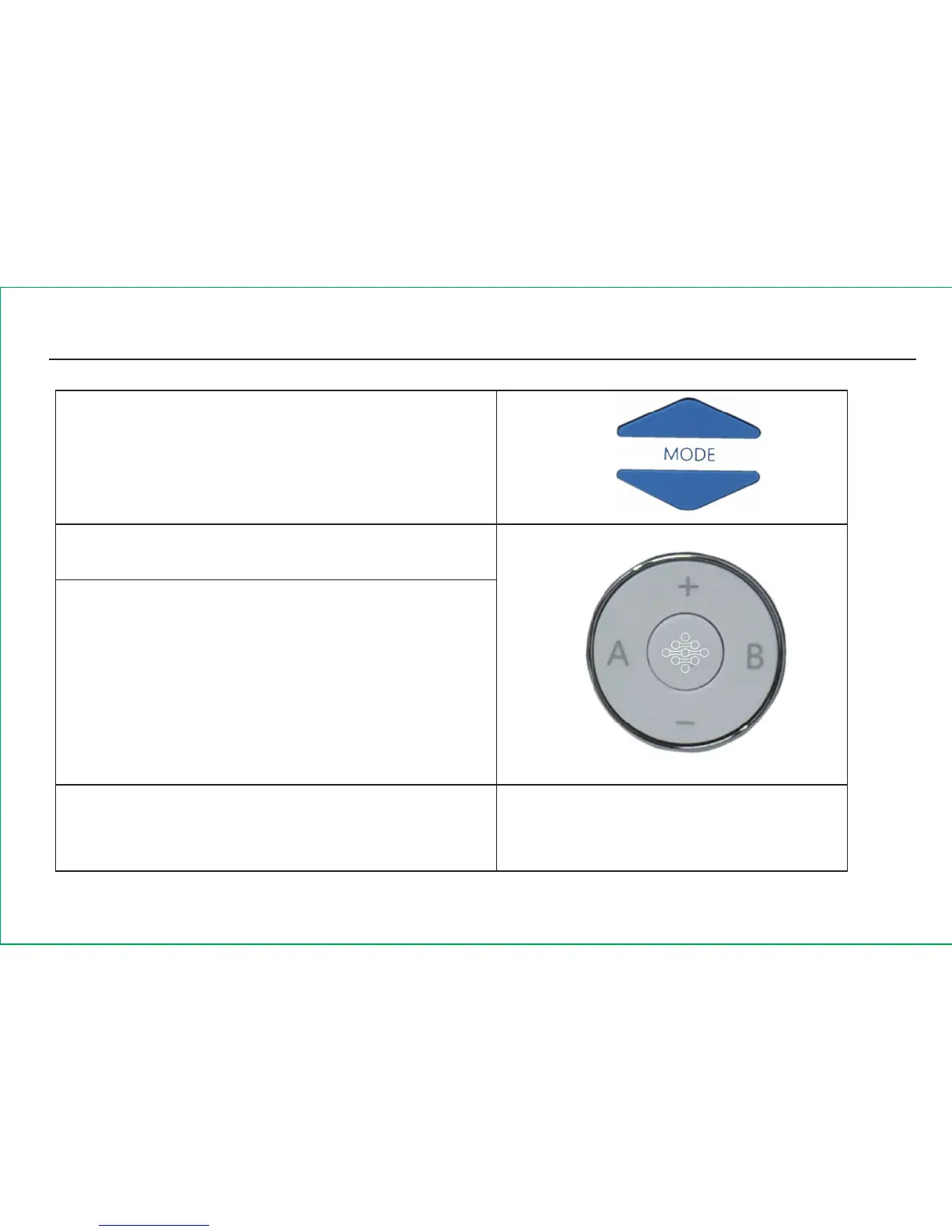
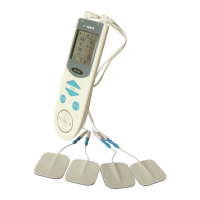
Select a massage mode by pressing the MODE
UP and MODE DOWN buttons. The selected
mode will be shown on the LCD display.
6th Step : Choose treatment time.
Press the TIME button to select the treatment
time 5 min, 10 min or 15 min. First press is
5 min; Second press is 10 min and third press
is 15 min then return to 5 min.
7th Step : Adjust massage intensity.


 To Next Page