13
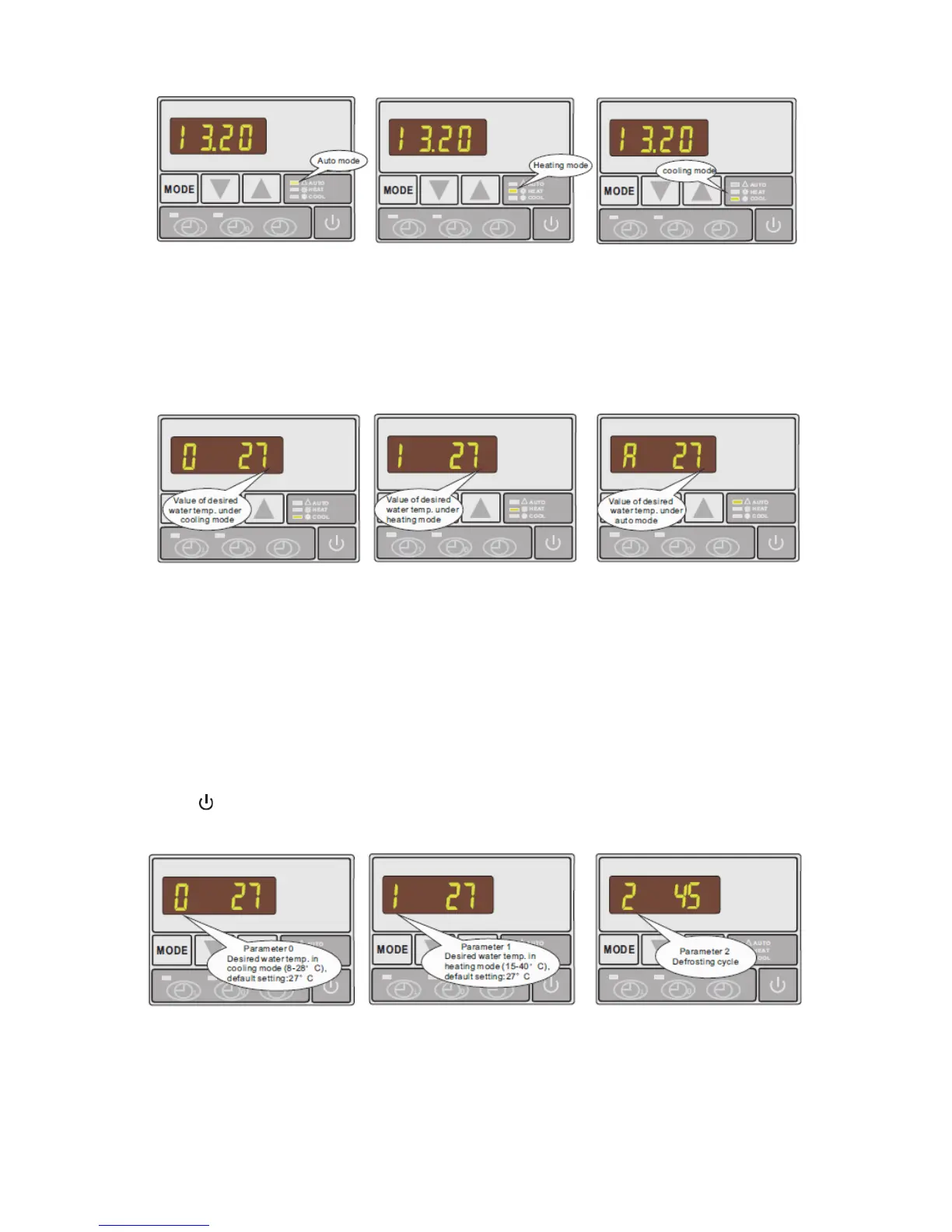
3.4 How to set the desired water temperature
1. First select the desired mode: auto, heating or cooling
2. Regardless of whether the heat pump is running or on standby, press ▲ or ▼. The
display will show the currently set water temperature of the selected mode with a
flashing number: change the water temperature by moving ▲ or ▼ as required
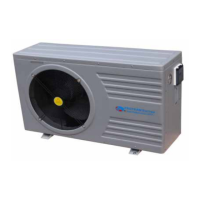
3.5 How to change parameter setting - ONLY FOR DEALERS
1. In standby status, press and hold MODE button for 5s, then use ▲ or ▼ to find
parameters 0-A and measured values of current status B or F, both parameter and
value will be blinking.
2. Press and hold ▲ and ▼ at the same time for 5 seconds continuously to activate
parameter setting
3. Change value on setting until a BEEP is heard while display continues to indicate
parameters by means of flashing values
4. Wait for 5 seconds to store the data automatically and return to standby status. Press
button to start the heat pump working.
Check if the heat pump is in required mode- auto, cooling, heating.


 To Next Page