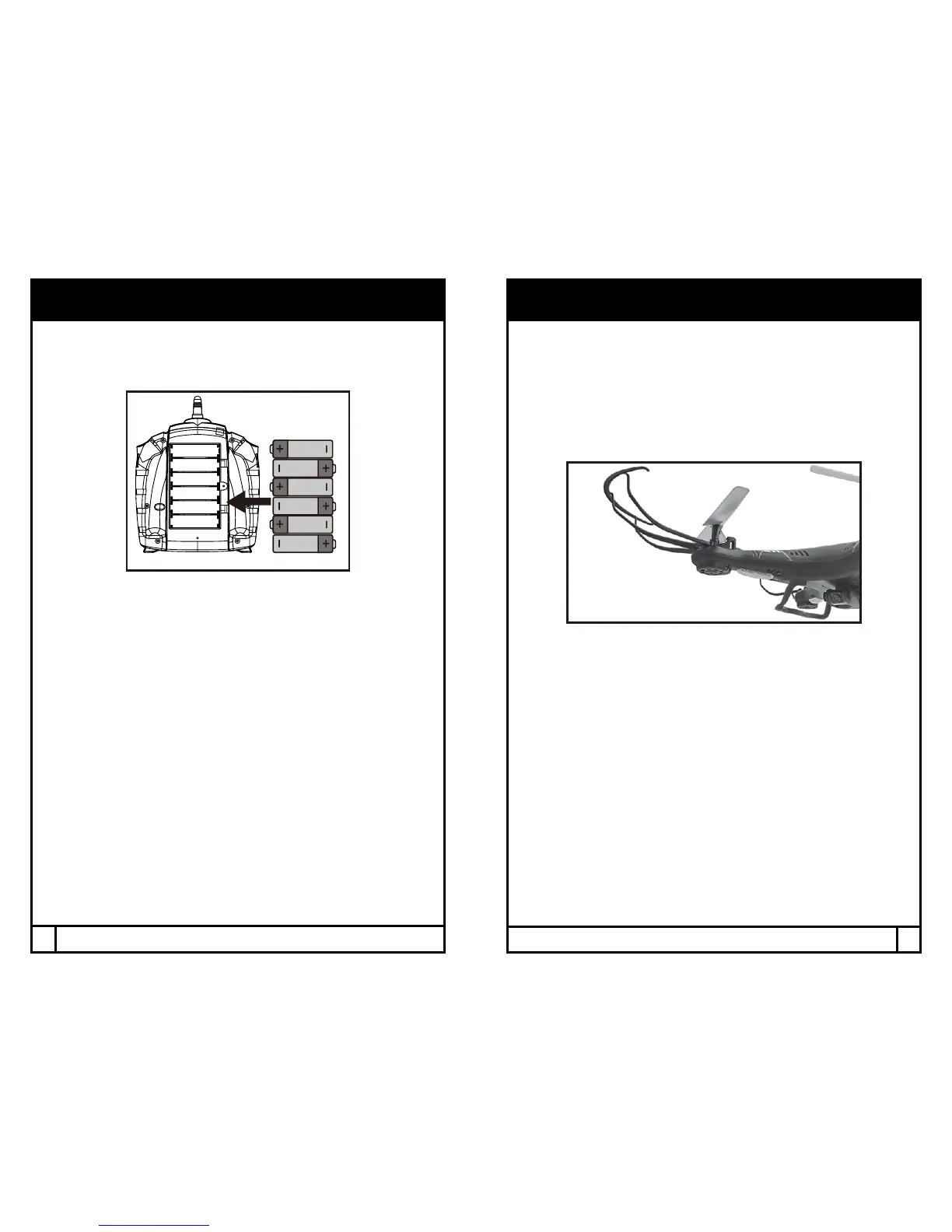
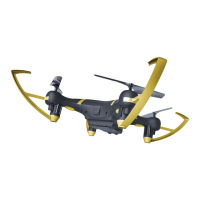
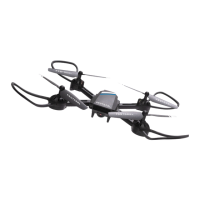
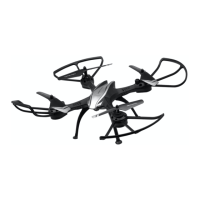
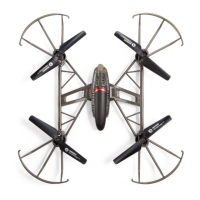
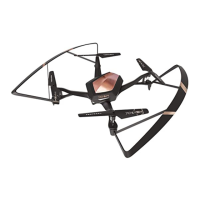
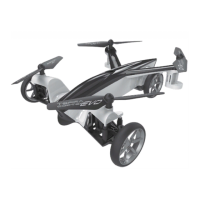
If not already installed, install the included blade guards to every corner by
snapping them in and tighten the screws at the base. Make sure the blade
guards are secure and snug.
NOTE: Loose blade guards may interfere with propeller movement and cause
a crash. If the drone crashes, double check to make sure the blade guard is
not loose. If it is, re-tighten before ying.
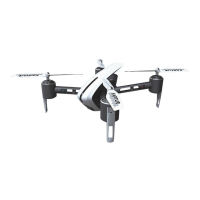
Install the included landing gear.
INSTALLING THE BLADE GUARD & LANDING GEAR
REMOTE BATTERY INSTALLATION
1. Install batteries carefully.
2. Do not mix old and new batteries.
3. Do not mix dierent types of batteries.
Unscrew and remove battery cover from controller. Insert 6 x ‘AA’ batteries
according to indicated polarities. Replace and screw back in battery cover.
4
5



 To Next Page