* If fi
tted
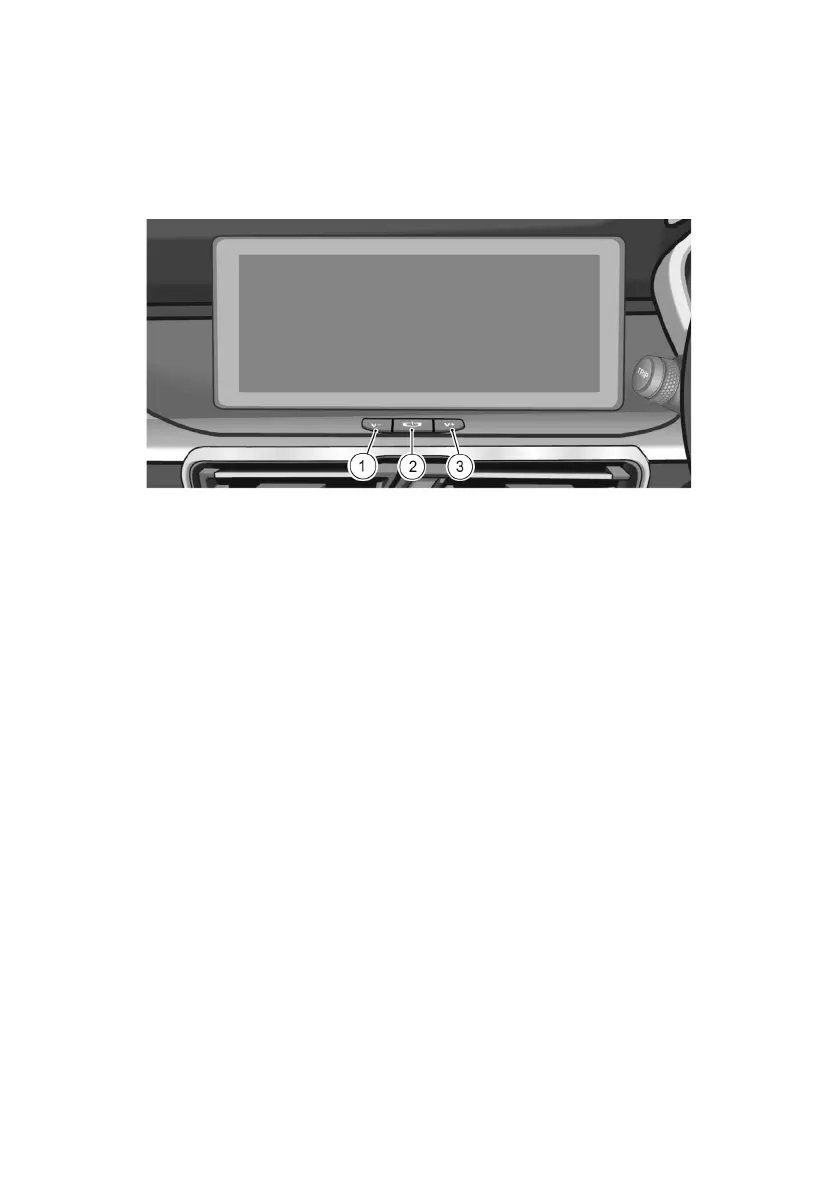
Control Buttons at Instrument Panel
1. Volume – button (V-)
2. Power button
3. Volume + button (V+)
Turning ON the system
When the system unit is OFF, press the Power button.
Turning OFF the system
When the system unit is ON, press and hold the Power button.
Rebooting the system
Press and hold the Power button for approximately 15s to reboot the
system.
Adjusting the volume
Press and release/hold the V+ or V- button to increase or decrease the
volume.
10



 To Next Page