9
What is a Mesh Network
Approach Sensor
ProTouch IQ work using a mesh network, meaning ProTouch IQ have the ability to send
& receive signals via other thermostats on the network. This signal is relayed from one
thermostat to another until it reaches its destination. This communication method extends
the communication range whilst offering increased network stability when compared with
standard RF thermostats.
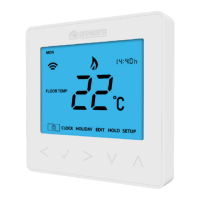
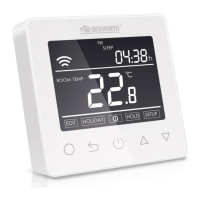
The Mesh symbol is shown when the device is communicating with the ProTouch iQ Hub, if
the mesh symbol disappears this indicates connection to the ProTouch iQ Hub has been lost.
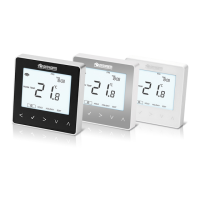
The ProTouch IQ uses proximity to detect when you are about to use the touch
keys. As you approach the ProTouch IQ, the touch keys and backlight will light up.
This can be useful if you need to adjust the set temp or timer in a dark room.
• Press the Tick key once again to pair the ProTouch IQ to the ProTouch iQ Hub ..
• The MESH symbol appears flashing on the display.
• When the ProTouch IQ successfully connects to the ProTouch iQ Hub the
MESH symbol will be permanently displayed.
• Press ADD ANOTHER for addtional zones or press FINISH to complete setup.
Please note, you only have to pair the hub to your account once.
To pair any additional ProTouch IQ’s, select HOME, edit, then ADD ZONE.


 To Next Page