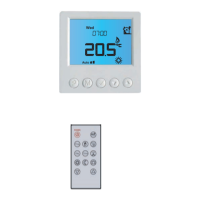
Optional Settings - Feature Table
02
FEATURE
Program Mode
DESCRIPTION
01 = Weekday/Weekend Programming (Default)
02 = 7 Day Programming
03 = 24 Hour Mode
SETTING
Used to pair to the ProTouch iQ Hub
01
Optional Features Explained
Feature 01 – Pairing To ProTouch iQ Hub: This function is used to connect the time
clock to the ProTouch iQ Hub.
Feature 02 - Weekday/Weekend (5/2), 7 Day Programming or 24 Hour Mode:
The time clock offers three programming methods;
Weekday/ Weekend (5/2) - Allows you to program 4 on/off switching times for
the weekdays and 4 on/off switching times for the weekend.
7 Day Program Mode - Each day has 4 on/off switching times that can be
programmed independently.
24 Hour Mode - All days are programmed with the same on/off switching times.
Pairing


 To Next Page