Setting the Clock
To set the clock, follow these steps.
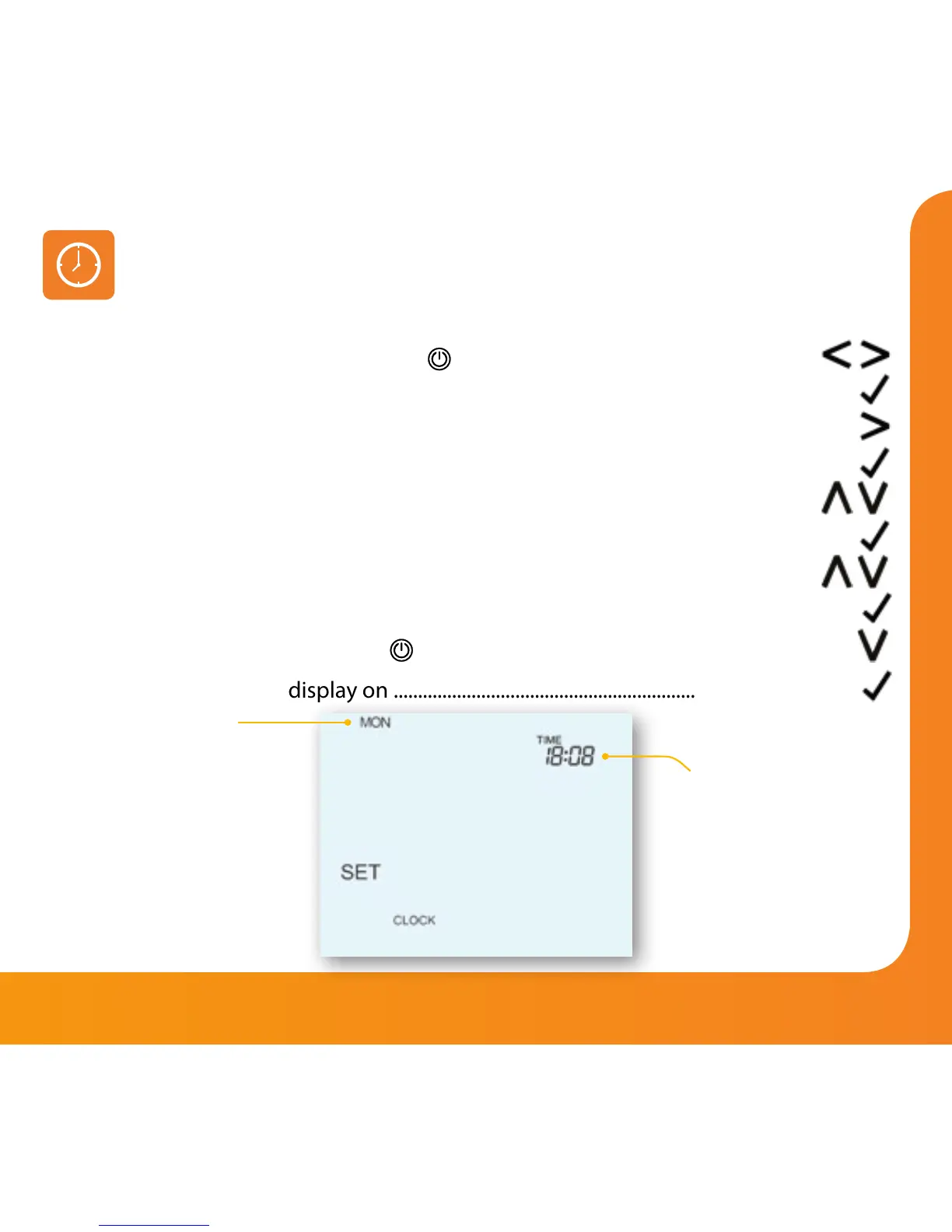
• Use the Left / Right keys to scroll to
..........................................................................
• Press and hold Tick to turn off the display ...................................................................
• Use the right arrow key to select CLOCK .......................................................................
• Press Tick to confirm selection ..........................................................................................
• Use Up / Down keys to set the year ................................................................................
• Press Tick to confirm selection ..........................................................................................
• Repeat the steps to set the Month, Date & Time ........................................................
• Press Tick to confirm the new clock settings ...............................................................
• Use the down arrow to scroll to
..................................................................................
• Press Tick to turn the display on .......................................................................................
Day
Time


 To Next Page