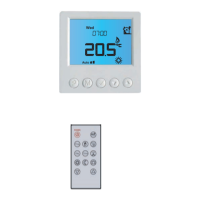
Temperature Hold
The temperature hold function allows you to manually override the current operating
program and set a different temperature for a desired period.
• Use the Left / Right keys to scroll to HOLD.................................................................
• Press Tick to confirm selection ................................................................................................
• Use the Up / Down keys to set the desired Hold period ......................................
• Press Tick to confirm selection ................................................................................................
• Use the Up / Down keys to set the desired Hold temperature ..........................
• Press Tick to confirm selection ................................................................................................
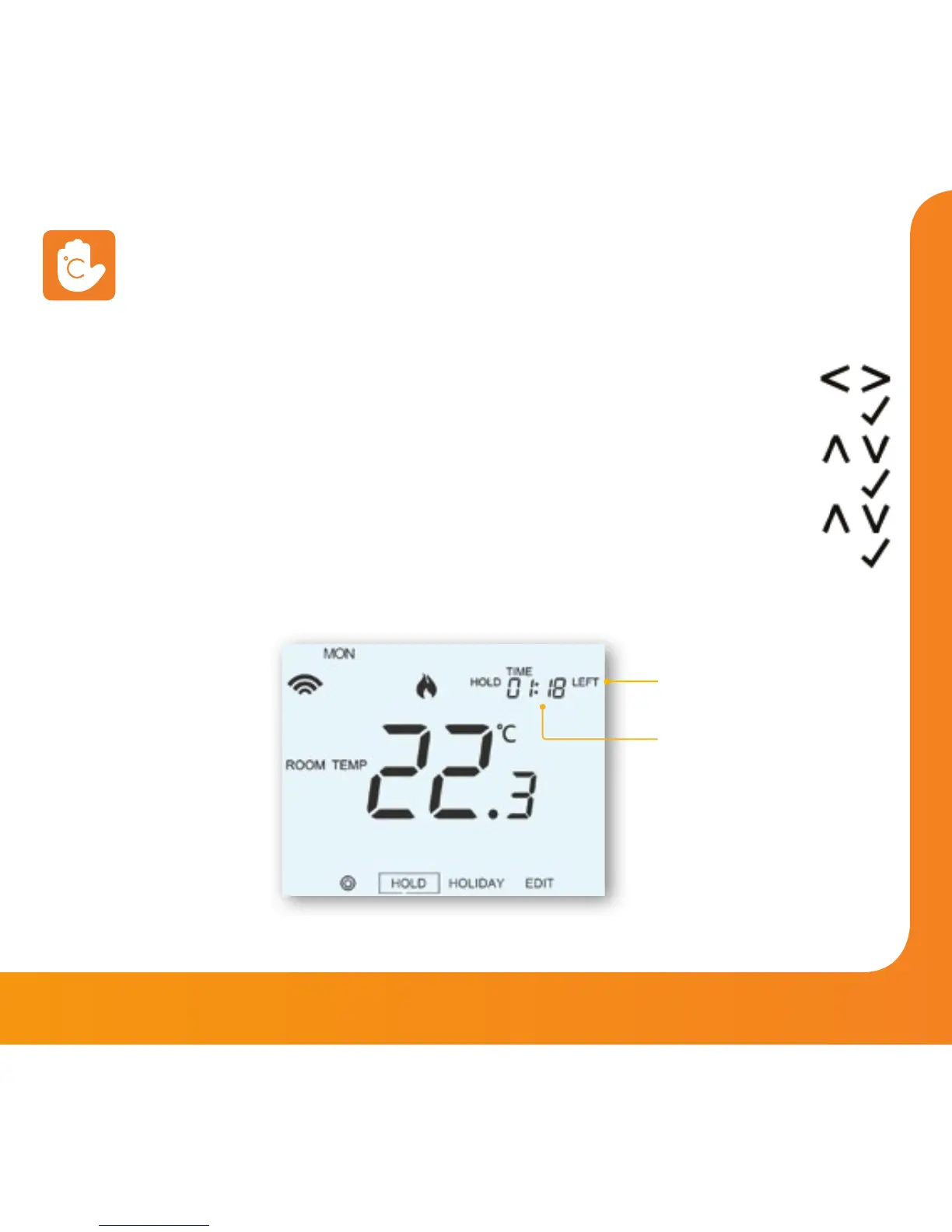
You will see the HOLD LEFT indication is displayed on screen.
The time will countdown the set duration and then revert to the normal program.
To cancel a temperature Hold, with hold selected on the main menu,
press the tick key and then press tick again while Cancel is highlighted.
Hold Time
Remaining
Hold Left Indicator


 To Next Page