ORiNOCO
®
802.11n Access Points - Software Management Guide 132
5. Click Clear Event Log, to clear the event logs.
6. Click Refresh, to view updated event logs.
: The recent event logs are stored in the flash memory.
7.7.2 SysLog
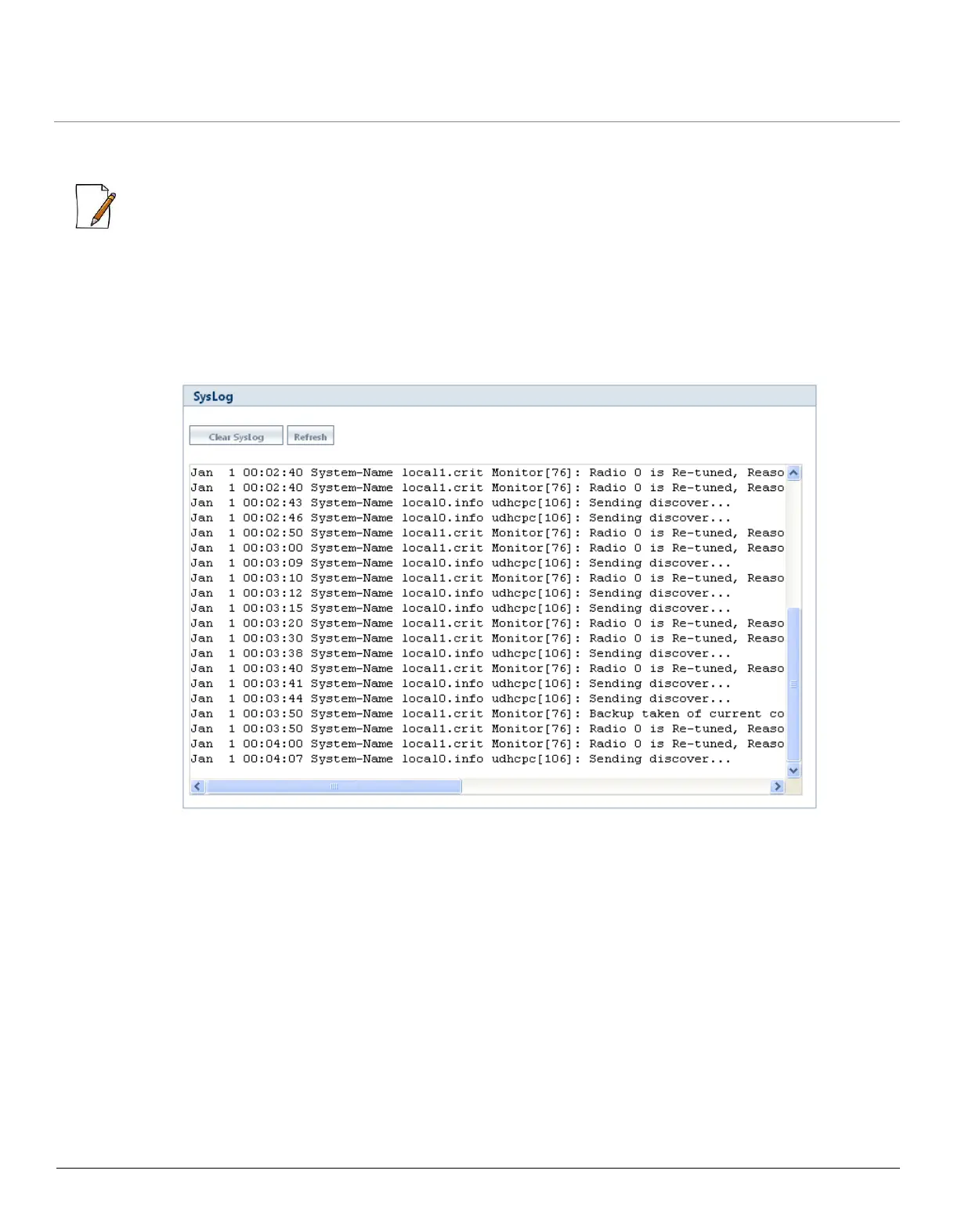
System log messages are generated by the system by sending requests at various instances to the system log server.
To view System Logs, navigate to MONITOR > Logs > Syslog. The SysLog screen appears.
Figure 7-14 System Logs
Click Clear SysLog, to clear the system logs and click Refresh, to view updated system logs.
7.8 Console Commands
The Console Commands feature helps Proxim’s Technical Support team to debug field issues.
7.9 SNMP v3 Statistics
To view SNMP v3 Statistics, navigate to MONITOR > SNMP V3 Statistics. The SNMP v3 Statistics screen appears.



 To Next Page
 Loading...







