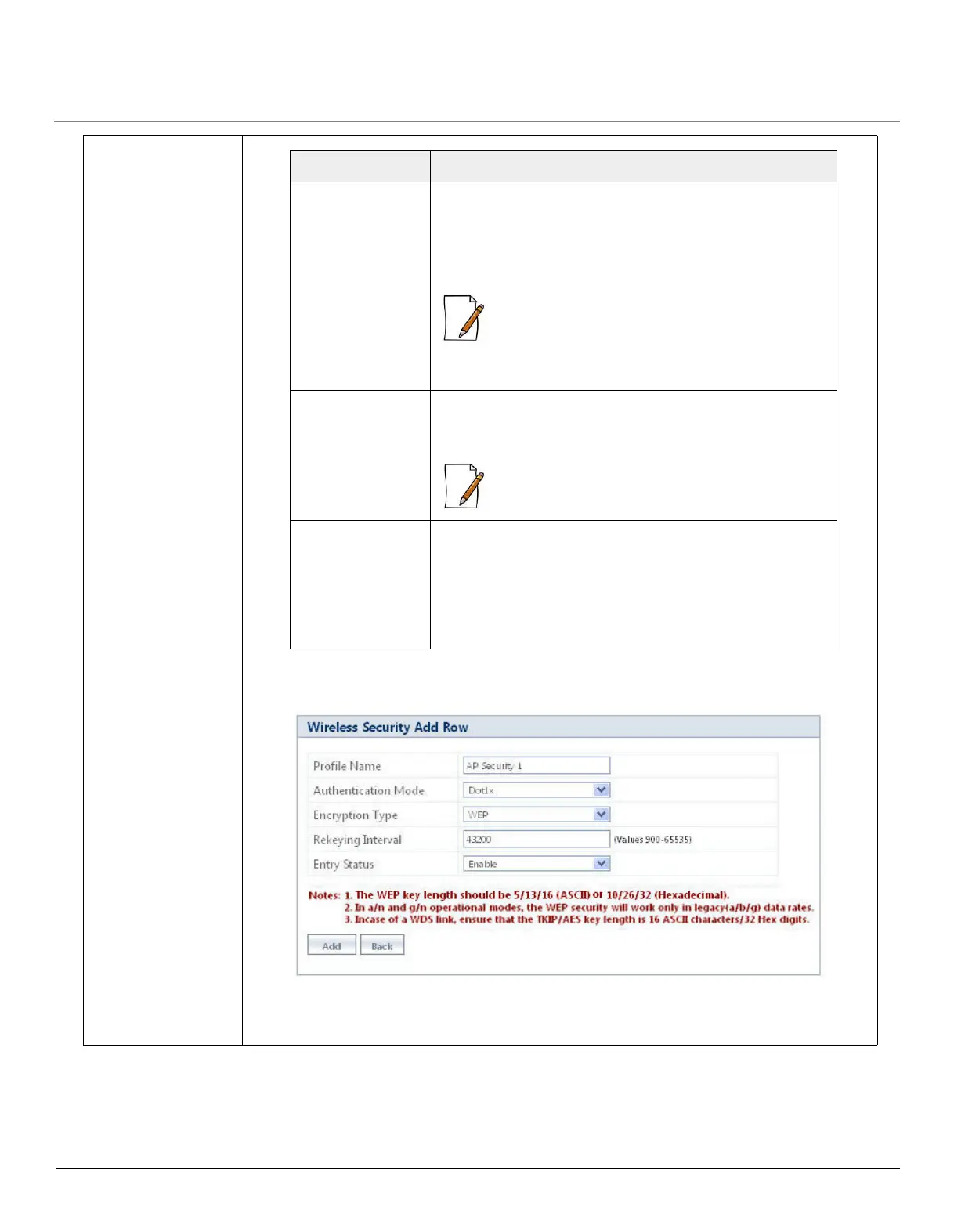
d. 802.1x: Select 802.1x (Dot1x) from the Authentication mode drop down menu and
Parameter Description
Encryption Type Specifies the Encryption Type.
By default, it is taken as WPA-TKIP. To configure, select
either WPA-TKIP, WPA2-AES or WPA-WPA2AES-TKIP
from the drop down menu.
:When the Encryption Type is set to
WPA-WPA2AES-TKIP, the device supports clients
with the encryption type of either WPA-TKIP or
WPA2-AES.
PSK Specifies the pass phrase that derives the PSK. To
configure, enter a security key ranging from 8 to 63
characters in the PSK box.
: Special characters - = \ " '? / space are not
allowed while configuring the pass phrase.
Rekeying Interval Specifies the time interval, for the device to send group
keys to all its associated clients.
By default the Rekeying Interval value is set to 43200.
To configure, enter a value ranging from 900 to 65535
seconds.


 To Next Page
 Loading...







