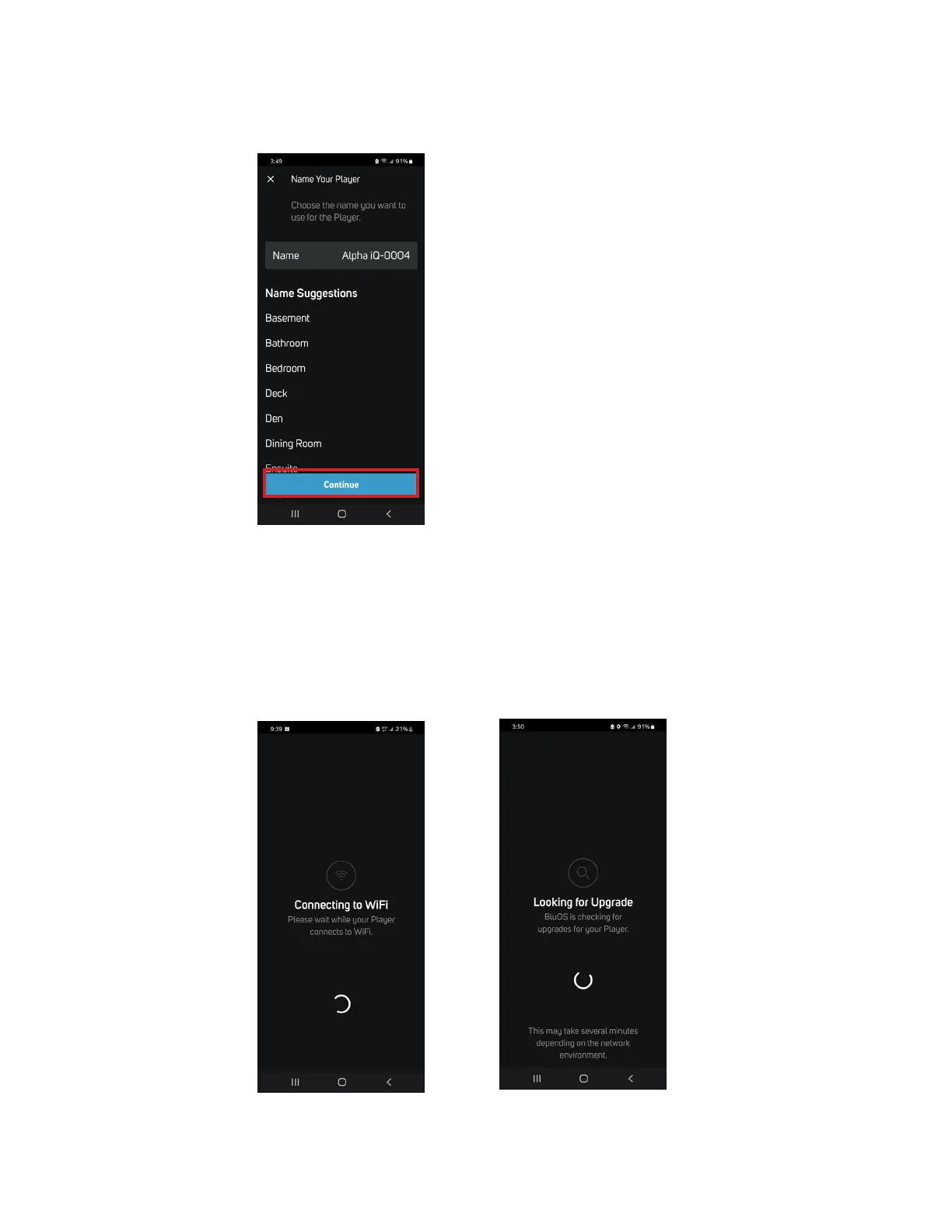
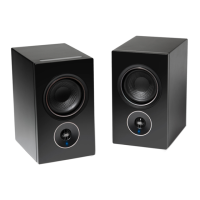
8. Enter the Name you prefer your Alpha iQ-0004 to be customized for easier identification in the Player Drawer. You can retain Alpha
iQ-0004 or select from the Name Suggestions provided. After finalizing your choice of designated name for your Alpha iQ, select
Continue.
9. Network setup connection proceeds automatically. It will pass through the process of Connecting to WiFi and checking for
upgrades to your Speakers (Looking for Upgrade) and automatically updates the current Speaker if an upgrade is available. Do not
interrupt or power down your Alpha iQ during this stage of the setup process.
Important If there is an upgrade available for the current Speaker, it will be automatically updated. This may take up to 15 minutes
to complete. This is normal. Do not interrupt or power down your Alpha iQ during this stage of the setup process!


 To Next Page