8
VS800
™ Scanner User's Guide
Installation
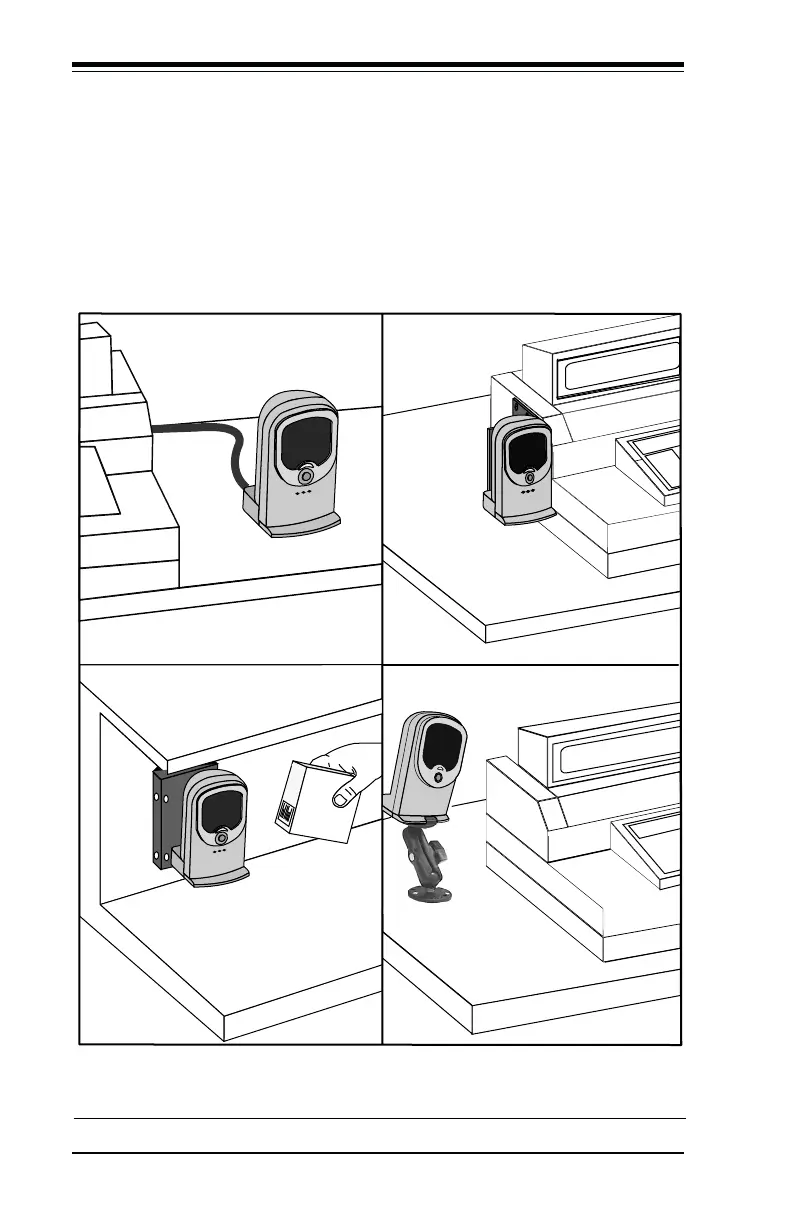
The scanner can be mounted in an optimal position for comfort and
increased efficiency. Figure 4, below, shows the mounting options
available for the VS800 scanner. Installation instructions are pack-
aged with the optional mounting hardware.
Figure 4. Mounting Options for the VS8000 Scanner
A B
C D
A. Countertop B. Side of POS Terminal
C. Under a Shelf D. Left or Right of POS
Your VS800 support hardware may differ from the illustration depending on your POS environment.



 To Next Page