VS800
™ Scanner User's Guide 7
Unpacking
Before you open the VS800 scanner shipping carton, inspect the
exterior of the carton for damage. If the carton is torn or crushed,
carefully open and inspect the contents to ensure that no damage has
occurred. Notify your carrier immediately if you think that there has
been any damage.
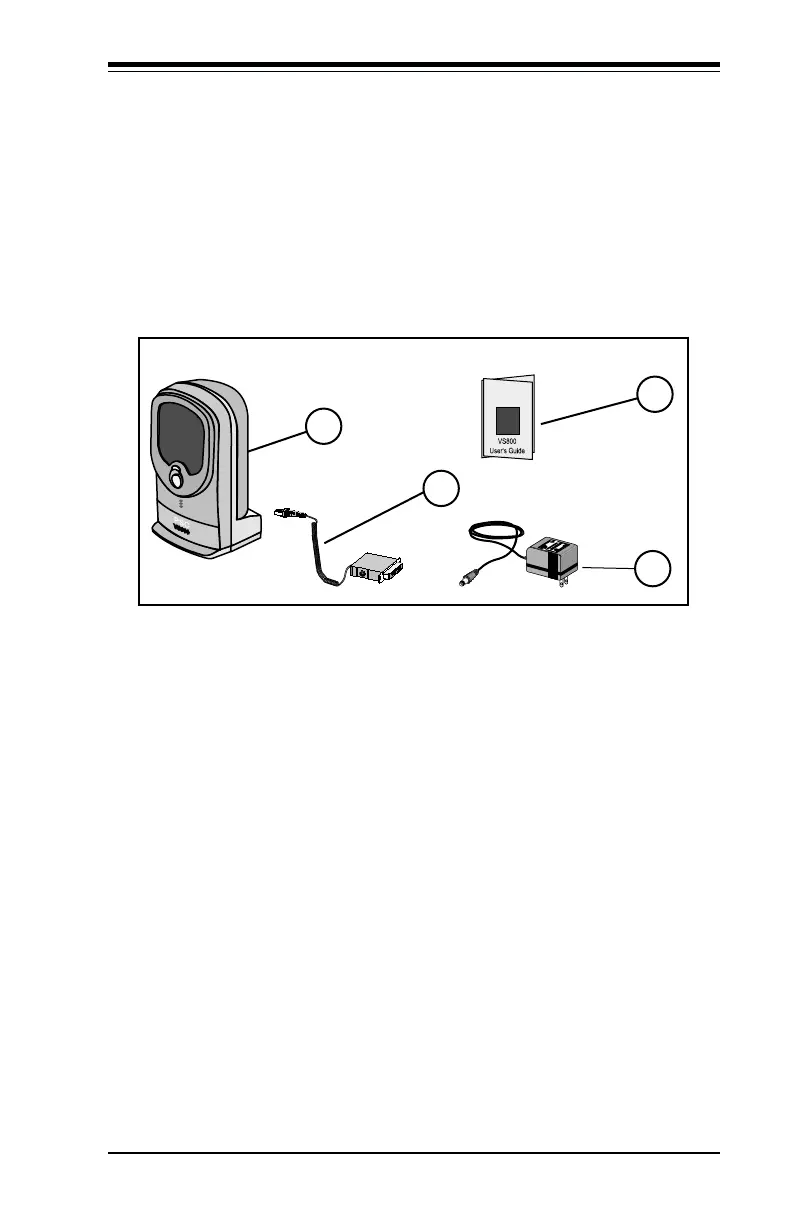
Figure 3. Package Contents
A
B
C
D
A. VS800 Scanner C. User's Guide (This manual)
B. Interface Cable
1
(Optional) D. AC/DC Power Adapter
1
1
Your hardware may vary from illustration based on your POS Terminal.
If anything is missing or the wrong interface cable has been included
with your scanner, contact your dealer/distributor or call your local
PSC office.



 To Next Page